
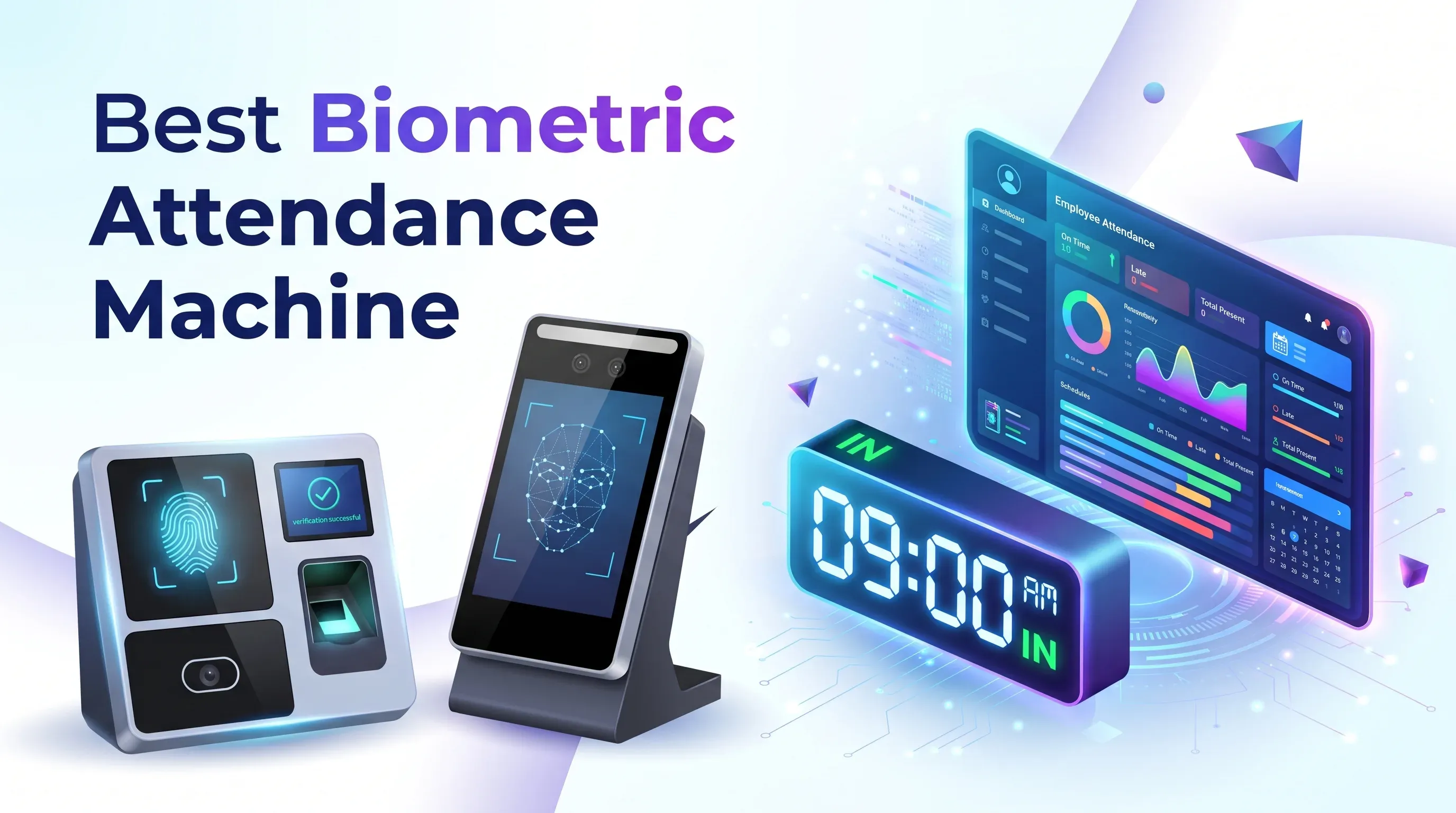
Best Biometric Attendance Machine: What Should You Check Before Buying?
Buyer's guide to choosing the best biometric attendance machine: biometric method, capacity, accuracy, anti-spoofing, software, privacy and cost checks for small and mid-size companies.
Jump to section
Fingerprint, face or hybrid? Before you buy a biometric attendance machine, check capacity, accuracy, anti-spoofing, software integration, privacy and total cost. Here is a practical checklist for small and mid-size businesses.
The best biometric attendance machine is the one that fits your people, your premises and your payroll software, not the one with the longest feature list. For most small and mid-size companies, that means a network-connected terminal with the right biometric method for your workforce, enough capacity to grow, and software that exports clean attendance data. This guide covers what to check before you buy, who each option is not for, and how to avoid costly mistakes.
A terminal looks simple on a shelf, but it sits at the centre of a larger system: employees, a network, attendance software, payroll and, in many offices, the front door. Buying on price alone is how businesses end up with machines that cannot hold their staff, cannot talk to their software or cannot read dusty fingers.
Key takeaways
- Choose the biometric method for your workforce first. Fingerprint suits clean, dry hands, face suits touchless entry, and hybrid devices give people a fallback.
- Check user, template and transaction capacity separately, and leave room for growth.
- Ask for the manufacturer's false accept and false reject figures, and ask how anti-spoofing was tested.
- Confirm the exact model works with your attendance software, and test the payroll export before you commit.
- Biometric data counts as sensitive personal data under UAE law, so plan consent, storage and deletion before installation.
- Compare total cost, including software, installation, accessories and support, not just the device price.
How to Choose the Best Biometric Attendance Machine: 10 Checks
Work through these checks in order. Each one should remove models from your shortlist.
1. Choose the biometric method for your workforce
Fingerprint terminals are familiar, usually the most affordable, and work well in clean offices. They struggle when fingers are wet, dirty, worn or very dry, which is common in kitchens, workshops, warehouses and construction sites. They also require touch.
Face recognition is touchless and works with gloves on, but it depends on lighting, camera position and proper enrolment. Palm recognition is available as an option on some terminals. Hybrid devices let each employee use whichever method works for them. ZKTeco's official SpeedFace-V5L page, for example, lists face, fingerprint, optional palm, card and password authentication across its versions.
Treat cards and PINs as backups rather than your main method, because they can be shared, which defeats the purpose of buying a biometric device.
Not for: fingerprint-only terminals are a poor fit for wet or dusty workplaces. Face-only terminals are a poor fit for entrances with strong backlight unless you test them on site.
2. Check three capacity numbers, not one
Every datasheet lists several figures, and they are separate limits:
- Users: how many people can be enrolled.
- Templates: how many fingerprint, face or palm templates can be stored, counted per method.
- Transactions: how many attendance records the device stores before they must be synced or cleared.
Capacity can differ by version. ZKTeco's SpeedFace-V5L pages, for instance, list different face-template capacities depending on the variant and optional expansion, so confirm the exact order code with your supplier. Plan for the headcount you expect in two or three years, including part-timers and contractors.
3. Look at accuracy in numbers
Two figures matter: the false acceptance rate (FAR), which is how often the wrong person is accepted, and the false rejection rate (FRR), which is how often the right person is turned away. A low FAR protects against proxy punching, and a low FRR protects you from queues and frustrated staff. ZKTeco publishes FAR and FRR per authentication method on its product comparison pages, which is the kind of transparency to ask every vendor for.
Be careful comparing numbers across brands, because test conditions differ. Verification speed also matters at shift change, when many people arrive together. The most reliable check is a short trial with your own employees.
4. Ask how spoofing is handled
Photos, videos and fake fingerprints are the usual tricks for clocking in on someone else's behalf. Ask whether the device has liveness detection and whether any independent test results exist. ISO/IEC 30107-3 is the international standard that defines how presentation attack detection is tested and reported. It describes a testing method rather than a badge, so ask the vendor what was tested and request the report instead of accepting the word "anti-spoofing" on a brochure.
5. Match the device to the environment
Check the rated operating temperature and humidity, and whether the unit can sit in sunlight, dust or splashes. IP ratings come from the IEC 60529 standard, where the first digit covers dust and the second covers water. IP65, for example, means dust-tight and protected against water jets.
ZKTeco's SpeedFace-V5L listing shows an operating range of -10 to 45 degrees Celsius, and its datasheet notes that some variants are for indoor use without wind or direct sunlight. An unshaded outdoor entrance in a Gulf summer can be far harsher than an air-conditioned reception, so confirm the mounting location with your installer.
6. Check connectivity, power and offline behaviour
Look for Ethernet as the baseline, Wi-Fi or mobile data where cabling is difficult, and USB as a manual fallback. Ask what happens during a network outage: a good terminal keeps recording and syncs later. Battery backup helps with short power cuts.
For several branches, choose devices that report to a central server. ZKTeco's documentation says ZKBio Time connects to its push-protocol devices over Ethernet, Wi-Fi and mobile networks.
7. Verify software and payroll integration
The terminal only captures punches. The software turns them into worked hours, overtime, leave balances and payroll inputs. Confirm that the software supports your exact model and version, handles your shift rules, and exports in a format your payroll understands.
ZKTeco describes ZKBio Time as web-based software with shift scheduling, payroll management, employee self-service, a mobile app and an API, with a default limit of 500 devices and expansion on request. ZKBio Time.Net is a lighter Windows desktop option aimed at smaller companies. Editions and licensing change, so check the official page for current details.
If you are weighing hosted against self-managed software, our guide to cloud vs on-premise software explains the trade-offs. Before buying, ask for a sample export using a month of test punches.
8. Decide whether you need door control
Attendance-only terminals record who arrived. Access-control setups decide who may enter. Door control needs more than the terminal: an electric lock, exit button, power supply and often a controller, connected through interfaces such as Wiegand or RS485. Emergency release of locks should be planned by a qualified installer.
If you only need hours worked, do not pay for access-control features. Our ZKTeco biometric devices comparison shows which models suit attendance and which suit door access.
9. Plan for privacy and data protection
In the UAE, Federal Decree-Law No. 45 of 2021 on personal data protection includes biometric data within sensitive personal data. You can read the official law text on the UAE legislation portal. It does not apply in free zones that have their own data-protection legislation, such as DIFC and ADGM.
Whatever your location, set clear rules before enrolment:
- Tell employees what is collected and why.
- Limit who can access biometric records.
- Decide retention periods.
- Delete templates when someone leaves.
- Ask the vendor how templates are stored and protected in the device and in the software.
This is general information, not legal advice, so confirm your obligations with a qualified adviser.
10. Compare total cost and support
The device is only one line item. Add mounting, cabling, software licences, installation, enrolment time, accessories such as cards or locks, and support. Ask about warranty terms, firmware updates and who handles faults locally.
As of November 2026, prices vary by model, configuration and VAT, so check the official product page or request a current quotation instead of relying on old figures. For wider budgeting advice, see our business software cost guide.
Which Type of Machine Fits Which Business
- Small office with a stable team and clean hands: a fingerprint terminal with card backup and simple desktop software. Not for dusty, wet or high-turnover workplaces.
- Growing company or mixed workforce: a face and fingerprint hybrid with web-based software. Not for very small teams that will never use the extra features.
- Several branches or remote sites: network-connected devices reporting to one central system. Not for sites with no reliable connection and nobody to manage syncing.
- Controlled entry as a priority: an access-control terminal with locks and a controller. Not for businesses that only need working hours.
Our Recommendation
For most small and mid-size companies, we would shortlist a network-connected hybrid terminal that supports face and fingerprint, with card as a backup, paired with web-based attendance software that exports to payroll. Confirm the exact capacity, version and software support in writing.
If your team is small, stable and works in a clean office, a fingerprint terminal is enough. Paying for extras you will not use is the most common overspend.
Whichever route you take, run a pilot. Enrol a small group, include people whose fingerprints are hard to read, test peak-time queues, and run one full payroll export before rolling out to everyone.
Common Mistakes to Avoid
- Choosing on device price without costing software, installation and support.
- Assuming any terminal works with any attendance software.
- Ignoring glare, sunlight and dust at the mounting point.
- Skipping the privacy notice and deletion rules.
- Having no plan for re-enrolment when devices are replaced.
Conclusion
The best biometric attendance machine fits how your business really works: who clocks in, where, how often and what happens to the data afterwards. Tell TechnoStore360 your headcount, number of sites, workplace conditions and the software you use, and our team will help you shortlist suitable models and request a current quotation. Contact TechnoStore360 to talk through your requirements.
Frequently Asked Questions
Clear answers to common questions about this guide and implementation.
Neither is better in every workplace. Fingerprint terminals suit clean offices and tend to cost less, while face recognition suits touchless entry and workplaces where hands are wet, dirty or gloved. If your workforce is mixed, a hybrid terminal that supports both gives employees a fallback.
About the author
Nihala Nizar
Blog Creator
blog writer who transforms ideas and experiences into engaging, meaningful stories. Dedicated to creating well-written content that informs, inspires, and connects with readers
Related Articles
More in Biometric Devices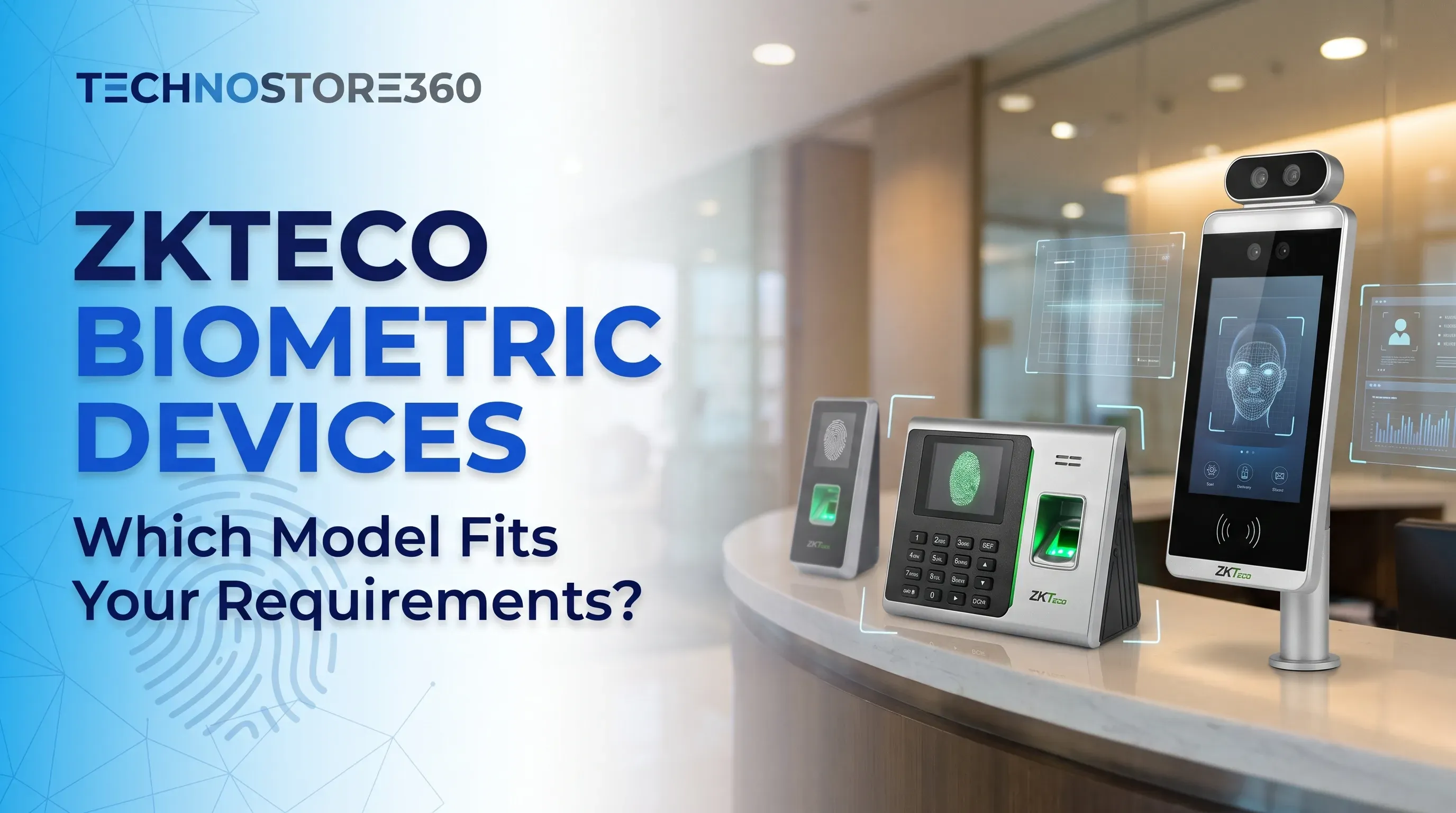
ZKTeco Biometric Devices Compared: Which Model Fits Your Business Needs?
Friday Nov 13, 2026
Explore the best ZKTeco biometric devices for businesses in 2026. Compare fingerprint and facial recognition, attendance tracking, access control and key features to find the right model for your workplace.

Cloud vs On-Premise Software: Which Is Better for Your Business in 2026?
Thursday Nov 5, 2026
Choosing between cloud and on-premise software? Understand the differences in cost, security, scalability, maintenance and accessibility to find the right technology solution for your business.
How Much Does Business Software Cost? A Guide to Subscription Pricing
Wednesday Nov 18, 2026
How much does business software cost? Compare 2026 per-user prices for Microsoft 365, Google Workspace, Zoho One and Odoo, plus hidden costs and a simple budget example.


