

Microsoft 365 vs Google Workspace: Which Is Better for Your Needs?
A comprehensive comparison of Microsoft 365 and Google Workspace, exploring their features, pricing, productivity tools, collaboration capabilities, security, and overall value to help individuals and businesses choose the right platform.
Jump to section
Microsoft 365 vs Google Workspace: Compare pricing, features, email, cloud storage, applications and collaboration tools. Discover which productivity subscription is right for your needs before you buy.
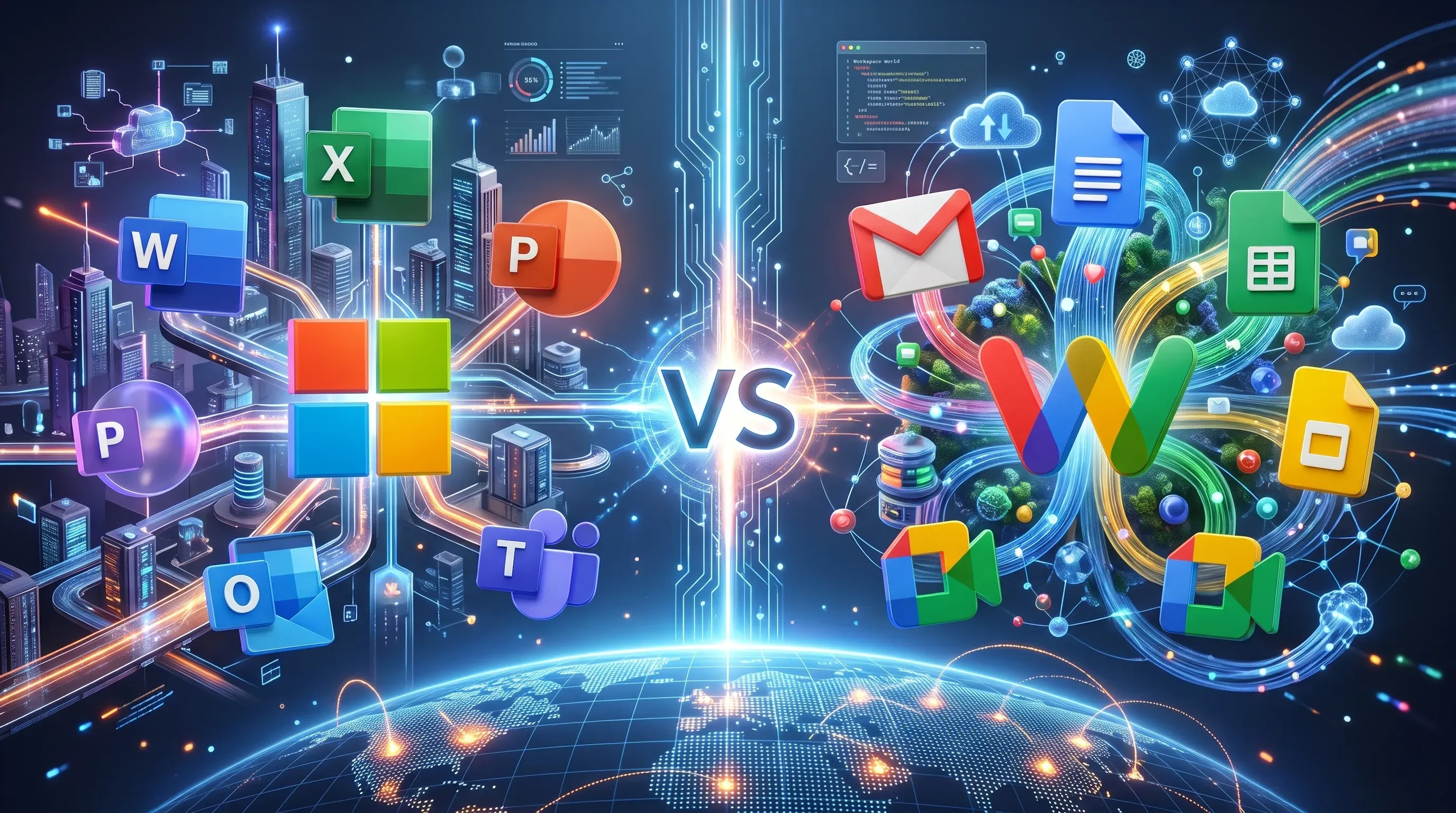
Microsoft 365 vs Google Workspace: Which Is Better for Your Needs?
Choosing the right productivity software can make a big difference to how you manage your daily work. Whether you are an individual professional, freelancer, student or business owner, having the right tools for email, documents, file storage and communication can help you work more efficiently.
Two of the most popular productivity platforms are Microsoft 365 and Google Workspace. Both offer professional email, cloud storage, document creation, spreadsheets, presentations and online meetings. However, they differ in how their applications work, the features included in their subscriptions and the experience they provide.
Microsoft 365 is a strong choice for people who regularly use Word, Excel, Outlook and other Microsoft applications. Google Workspace is a strong choice for people who prefer Gmail, Google Drive, Docs, Sheets and browser-based collaboration.
But which one is better for your needs?
In this guide, we will explore the main differences between Microsoft 365 and Google Workspace, compare their applications and features, discuss pricing considerations and help you decide which subscription is worth buying.
What Is Microsoft 365?
Microsoft 365 is a subscription-based productivity platform developed by Microsoft. It brings together familiar office applications and cloud services to help users create documents, manage emails, organise files and communicate.
It is widely used by individuals, freelancers, educational institutions and businesses that depend on Microsoft applications for everyday work.
Depending on the subscription you choose, Microsoft 365 can include:
- Microsoft Word: Create documents, reports, letters and business proposals.
- Microsoft Excel: Manage spreadsheets, budgets, calculations and business data.
- Microsoft PowerPoint: Prepare presentations for meetings, projects and clients.
- Microsoft Outlook: Manage professional emails, calendars and contacts.
- OneDrive: Store files online and access them across supported devices.
- Microsoft Teams: Communicate with colleagues and conduct online meetings, where included in the selected plan.
- SharePoint: Organise and share information and files within an organisation.
One of the biggest advantages of Microsoft 365 is its familiar application environment. People who already use Word, Excel and Outlook may find it easier to continue working with these tools rather than moving to a completely different platform.
However, it is important to understand that Microsoft 365 has several subscription plans. Not every plan includes the same applications.
For example, Microsoft 365 Business Basic includes web and mobile versions of Word, Excel, PowerPoint and Outlook. It does not include the installed desktop versions of these applications. If you need full desktop Office applications, you should consider a suitable higher subscription.
What Is Google Workspace?
Google Workspace is Google's collection of cloud-based productivity and collaboration applications. It brings business email, file storage, document editing, calendars and online meetings together in one connected environment.
Many people are already familiar with Google's applications through personal Gmail accounts. Google Workspace extends this experience by providing business-focused services, including professional email addresses using a company's own domain.
Its main applications include:
- Gmail: Send and receive professional emails.
- Google Drive: Store, organise and share documents and files.
- Google Docs: Create and edit documents online.
- Google Sheets: Prepare spreadsheets and manage information.
- Google Slides: Create presentations.
- Google Meet: Conduct online meetings and video calls.
- Google Calendar: Schedule appointments and organise events.
- Google Chat: Communicate with individuals and groups.
One of Google Workspace's main advantages is its browser-based working experience. Users can access their documents from supported devices and collaborate with others without depending on traditional desktop office applications.
Google Workspace is particularly useful for people who prefer working online and want their email, documents, calendars and storage connected through one platform.
Microsoft 365 vs Google Workspace: What Are the Main Differences?
Although both platforms provide similar productivity services, the way they handle everyday tasks is different. Understanding these differences will help you select a subscription that matches your working style.
1. Email: Outlook vs Gmail
Email is an essential part of professional communication. Both Microsoft 365 and Google Workspace provide business email services, but they use different applications.
Microsoft 365 uses Outlook with Exchange Online. Outlook is a familiar option for people who regularly manage professional emails, appointments and contacts through Microsoft's application environment.
Google Workspace uses Gmail with a custom business email address. Gmail connects with Google Calendar, Drive, Meet and other Google applications.
Microsoft 365 may be better if:
- You already use Outlook for professional communication.
- You prefer managing emails and calendars through Microsoft applications.
- You regularly exchange Microsoft Office documents with clients.
Google Workspace may be better if:
- You prefer Gmail's interface.
- You want email connected with Google Drive and Calendar.
- You prefer accessing your work through a browser.
Both platforms can support professional email addresses using your own domain. Your decision should depend on which email environment you find easier to use.
2. Document Creation: Microsoft Word vs Google Docs
Creating documents is a regular task for professionals, students and business owners. Microsoft Word and Google Docs both provide tools for writing and editing, but their working experiences are different.
Microsoft Word is widely used for reports, proposals, letters, business documents and files that require detailed formatting. It is a familiar choice for people who regularly work with Microsoft Office documents.
Google Docs focuses on online document creation and collaboration. Multiple people can work on the same document, add comments and suggest changes.
Choose Microsoft Word if:
- You regularly exchange Word documents.
- You work with detailed document formatting.
- You use established Microsoft Word templates.
- You prefer the Microsoft Office environment.
Choose Google Docs if:
- You mainly create everyday documents.
- You want straightforward browser-based editing.
- You frequently collaborate with other people.
- You prefer accessing documents online.
Both applications are suitable for common document tasks. However, complex formatting may not always transfer perfectly when documents are moved between different platforms.
3. Spreadsheets: Microsoft Excel vs Google Sheets
Spreadsheets are important for managing budgets, calculations, reports, records and business information.
Microsoft Excel is widely used for financial reporting, data analysis, advanced calculations and specialised spreadsheet workflows. It is particularly useful for people who depend on established Excel files and advanced desktop features.
Google Sheets is useful for everyday spreadsheets, shared lists, planning, budgets and collaborative data entry.
Choose Microsoft Excel if:
- You work with complex spreadsheets.
- You need advanced spreadsheet functionality.
- You regularly exchange Excel files.
- Your work depends on established Excel-based processes.
Choose Google Sheets if:
- You mainly manage everyday spreadsheets.
- You want multiple people to update information.
- You prefer browser-based collaboration.
- Your spreadsheet requirements are relatively straightforward.
One important detail is that Microsoft 365 Business Basic includes web and mobile versions of Excel, not the installed desktop application. If you need desktop Excel, compare a suitable higher Microsoft 365 plan.
4. Cloud Storage: OneDrive vs Google Drive
Cloud storage allows you to save files online, access them from different devices and share information with other people.
Microsoft 365 uses OneDrive as its main personal cloud storage service. Microsoft 365 Business Basic lists 1 TB of OneDrive storage per user. It also provides SharePoint for organisational file sharing.
Google Workspace uses Google Drive to store and organise documents. Google Workspace Business Starter provides 30 GB of pooled storage per user. This means storage is shared across the organisation rather than allocated as a completely separate personal allowance for every user.
For someone who works with large files, storage capacity can be an important factor.
Microsoft 365 Business Basic may suit you if:
- You need the listed 1 TB of OneDrive storage per user.
- You already use Microsoft applications.
- You want to manage files through OneDrive and SharePoint.
Google Workspace Business Starter may suit you if:
- Your storage requirements are relatively modest.
- You prefer organising files through Google Drive.
- You regularly share documents with other people.
Before choosing, consider how much storage you actually need and whether your files will be stored individually or shared across a team.
5. Online Meetings: Microsoft Teams vs Google Meet
Online meetings have become an important part of communication for remote workers, freelancers and businesses.
Microsoft Teams connects with Microsoft's wider productivity environment. It can be useful when you already use Outlook, Word, Excel and other Microsoft services.
Google Meet works closely with Gmail and Google Calendar. Users can schedule meetings and join them through Google's applications.
Both platforms support online communication, but available meeting features and participant limits depend on the subscription.
Microsoft Teams may be a better choice if:
- You already use Microsoft applications.
- You prefer keeping communication within Microsoft's environment.
- Your selected subscription includes the Teams features you require.
Google Meet may be a better choice if:
- You regularly use Gmail and Google Calendar.
- You prefer browser-based meetings.
- You want meetings connected to your Google Workspace environment.
6. Security and Account Management
Security is another important factor when choosing productivity software. Whether you are purchasing a subscription for yourself or for a team, protecting email accounts and business documents should be a priority.
Both Microsoft 365 and Google Workspace provide security and account-management features. However, the available controls differ between subscription plans.
Before purchasing, consider the following:
- Multi-factor authentication options.
- Account recovery settings.
- User permissions and administrator controls.
- Email spam and phishing protection.
- File-sharing permissions.
- Data retention and recovery requirements.
- Additional security features available in higher subscription tiers.
Do not assume that every advanced security feature is included in an entry-level plan. Review the exact subscription details to understand what is covered.
7. AI Features: Microsoft 365 vs Google Workspace
Artificial intelligence is becoming an increasingly important part of productivity software.
Google Workspace offers Gemini-related features across its applications, with availability depending on the subscription and the specific feature.
Microsoft offers AI experiences through its Microsoft 365 and Copilot services. The available features depend on the subscription, eligibility and any required add-ons.
If AI tools are important to your work, check the following before purchasing:
- Which AI features are included in the subscription?
- Are additional licences or payments required?
- Do the AI features work in the applications you use?
- Do they meet your actual productivity requirements?
It is better to select a subscription based on the tools you genuinely need rather than paying extra for features you may not use.
Microsoft 365 vs Google Workspace: Which Is More Affordable?
Pricing is an important part of choosing a productivity subscription. However, comparing only the advertised starting price can lead to the wrong decision.
The TechnoStore360 catalogue currently displays Microsoft 365 Business Basic starting at USD 6.30 per user per month and Google Workspace Starter starting at USD 7.00 per user per month, with annual billing.
These are catalogue listing prices, not guaranteed prices for every country or subscription arrangement. Taxes, regional availability, product variants and billing terms may affect the final price.
When comparing the total cost, consider:
- Number of users: How many people need individual subscriptions?
- Billing period: Do you need monthly or annual billing?
- Applications: Do you need desktop Office applications?
- Storage: How much cloud storage will you use?
- Meetings: Do you need additional meeting features?
- Security: Are the included security controls sufficient?
- Additional services: Will you need extra licences, storage or other tools?
A lower starting price does not always mean better value. The right subscription is the one that provides the features you need at a cost that fits your budget.
Which Is Better for Different Types of Users?
The best productivity platform depends on your daily activities. A freelancer may have different requirements from a student or a growing business.
For Individual Professionals
If you work independently and mainly need email, documents, spreadsheets and cloud storage, either platform may be suitable.
Microsoft 365 may be a good fit if you already use Word, Excel and Outlook.
Google Workspace may be more convenient if you prefer Gmail, Google Docs and Google Drive.
Consider the applications you use most often before choosing.
For Freelancers
Freelancers often need to communicate with clients, prepare proposals, share files and organise appointments.
Google Workspace can be convenient for freelancers who prefer Gmail and browser-based collaboration.
Microsoft 365 may suit freelancers who regularly exchange Word, Excel and PowerPoint files with clients.
Your choice should depend on your clients' preferred file formats and the applications you use for your work.
For Students
Students often need tools for assignments, presentations, research and group projects.
Google Docs and Google Drive can be useful for collaborative assignments and online access to documents.
Microsoft Word, Excel and PowerPoint are useful for students who work with Microsoft Office formats or need specific Office features.
Before purchasing a subscription, check whether your school, college or university already provides access to either platform.
For Small Teams
Small teams should consider how their members share documents, schedule meetings and manage access to files.
Google Workspace is worth considering when the team prefers browser-based collaboration and shared documents.
Microsoft 365 is worth considering when team members already depend on Outlook, Excel, Word and Microsoft's wider application environment.
The easiest platform for your team to adopt may be more valuable than choosing a subscription based only on its starting price.
For Growing Businesses
Growing businesses should look beyond the entry-level subscription.
As the number of users increases, requirements around administration, storage, security, data management and device controls may also change.
Compare higher subscription tiers before deciding. A plan that works for a small group today may not meet your requirements later.
Can You Switch Between Microsoft 365 and Google Workspace?
Yes. It is possible to move from Microsoft 365 to Google Workspace or the other way around. However, switching requires preparation.
Before changing subscriptions, consider the following:
Email migration: Plan how existing emails and mailbox information will be transferred.
File migration: Move important files from OneDrive to Google Drive or from Google Drive to OneDrive.
Document formats: Check whether important files retain their formatting after migration.
Calendar migration: Review existing appointments and shared calendars.
User permissions: Recreate access permissions where necessary.
Domain settings: Review your email and domain configuration.
User training: Make sure everyone understands how to use the new applications.
Do not cancel your existing subscription before confirming that important files and email data have been transferred and checked.
If you manage many user accounts or important business records, plan the migration carefully.
How to Choose the Right Subscription Before Buying
Before making your final decision, think about your everyday requirements.
Ask yourself:
- Do I prefer Outlook or Gmail?
- Do I work more with Microsoft Word or Google Docs?
- Do I need advanced Excel features?
- How much cloud storage do I need?
- Do I prefer Microsoft Teams or Google Meet?
- Do I need desktop Office applications?
- Which security features are important to me?
- What is my budget?
- Is the subscription available in my country?
Your answers will help you identify which subscription is more suitable.
It is also worth checking the exact plan details before purchasing. Two subscriptions from the same provider can offer very different applications and features.
Where Can You Buy Microsoft 365 and Google Workspace?
Once you understand the differences, the next step is to review the available subscriptions and choose the one that matches your requirements.
TechnoStore360 offers software solutions from Microsoft and Google, allowing customers to explore available products and compare their subscription details.
You can start by visiting:
- Explore Microsoft products on TechnoStore360
- Browse all available products
- Contact TechnoStore360 for product information
Before completing your purchase, check the selected product's country availability, subscription duration, billing terms and included features.
If you are unsure which licence is suitable, contact the TechnoStore360 team for product information before choosing.
Final Verdict: Microsoft 365 or Google Workspace?
Microsoft 365 and Google Workspace are both capable productivity platforms, but they suit different working preferences.
Choose Microsoft 365 if you regularly use Word, Excel and Outlook, exchange Microsoft Office documents, need the OneDrive storage included in Business Basic or prefer working within Microsoft's application environment.
Choose Google Workspace if you prefer Gmail, Google Calendar, Google Drive, Docs and Sheets, and want a connected browser-based collaboration experience.
For most customers, the right choice comes down to the applications they already use, the storage they need, their collaboration preferences and their budget.
Take time to compare the exact subscription plans before purchasing. The best subscription is the one that meets your requirements without making you pay for features you do not need.
Frequently Asked Questions
Clear answers to common questions about this guide and implementation.
Neither is universally better. Microsoft 365 may suit people who depend on Word, Excel and Outlook, while Google Workspace may suit people who prefer Gmail, Drive and browser-based collaboration.
About the author
Nihala Nizar
Blog Creator
blog writer who transforms ideas and experiences into engaging, meaningful stories. Dedicated to creating well-written content that informs, inspires, and connects with readers
Related Articles
More in Technology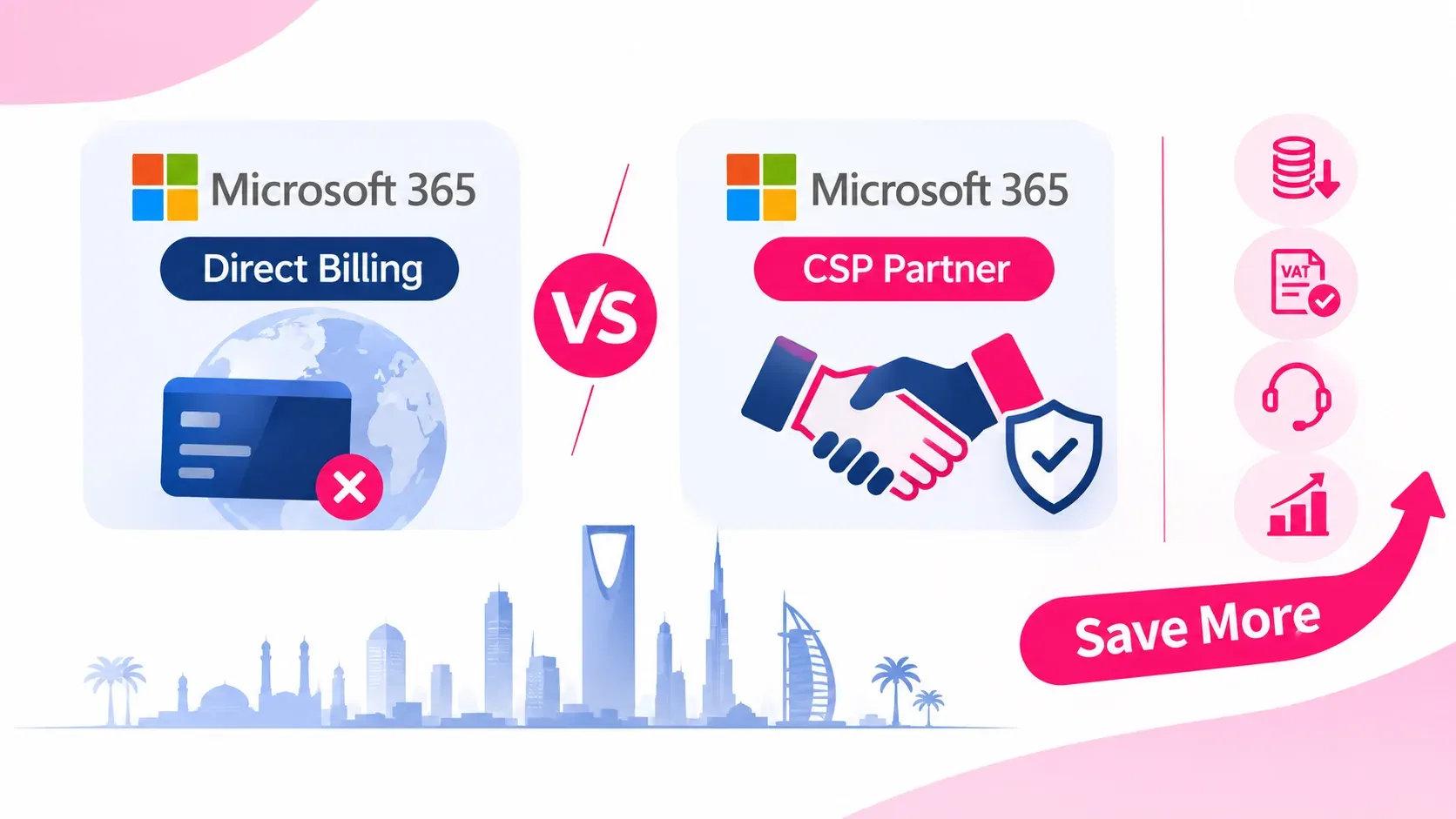
Microsoft 365 CSP vs. Direct Microsoft Billing: How Buying via an Authorized Partner Saves Costs in the GCC
Friday Nov 6, 2026
Compare Microsoft 365 CSP billing with direct Microsoft web-direct purchases. Discover how GCC enterprises save on FX fees, reclaim local VAT, unlock NCE seat flexibility, and receive localized Tier-1 support through an authorized partner.

Cloud vs On-Premise Software: Which Is Better for Your Business in 2026?
Thursday Nov 5, 2026
Choosing between cloud and on-premise software? Understand the differences in cost, security, scalability, maintenance and accessibility to find the right technology solution for your business.

Business Starter Kit: Essential Software Every New Business Needs in 2026
Thursday Nov 5, 2026
Starting a business in 2026? Discover the essential software, accounting, CRM, cybersecurity and productivity tools every new business needs to operate efficiently and grow.


