

Zoho Creator vs Traditional Software: Which Is Better for Your Needs?
Zoho Creator low-code platform compared with custom-coded and on-premise software: speed, skills, cost, control, hosting, integration, risks and who each option suits
Jump to section
Zoho Creator vs traditional software: compare speed, cost, control and risks, see who each option is not for, and find out which suits your business process or product.
If your team needs a custom internal tool, such as an approval flow, a tracker or a customer portal, the Zoho Creator vs traditional software question usually comes down to speed, control and long-term ownership. Zoho Creator is usually the better fit for process-driven business apps that should go live quickly and be maintained by a small team. Traditional software, meaning custom-coded or packaged on-premise systems, is better when you need full code ownership, unusual performance or deep legacy integration. This guide helps you choose.
Key takeaways
- Zoho Creator is a low-code platform. You build forms, reports, workflows and pages visually, and add logic with Zoho's scripting language, Deluge, when you need it.
- "Traditional software" here means custom-coded applications or packaged software installed on your own servers. It gives more control but needs more time, skills and maintenance.
- Choose Zoho Creator for internal tools, approvals, portals and workflow apps. Choose traditional software for products you sell, highly specialised performance or strict hosting needs.
- Zoho Creator is priced per user per month. Always confirm current prices on the official page before budgeting.
- Run a small pilot with one real process before committing to either route.
What Is Zoho Creator, and What Counts as Traditional Software?
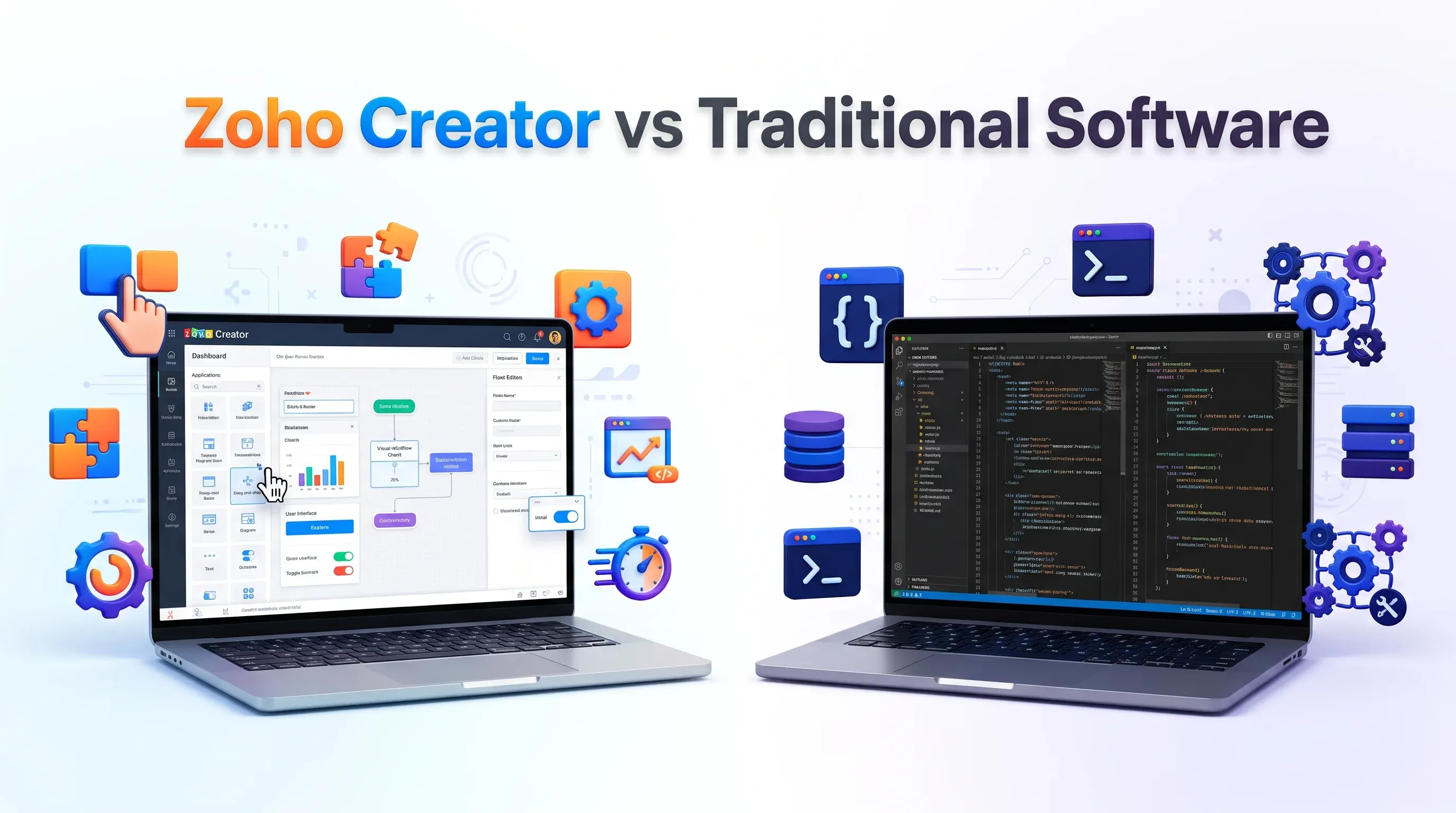
According to Zoho's help documentation, Zoho Creator is a low-code application development platform that lets people build custom business applications without extensive coding. It offers a visual drag-and-drop interface, pre-built components and templates, and apps that run on the web, iOS and Android. Zoho handles server setup, updates and scaling.
"Traditional software" is a broad phrase, so we split it into two groups:
- Custom-coded software: built from scratch by an in-house team or an agency, using the languages and frameworks they choose, then hosted by you or a cloud provider.
- Packaged on-premise software: off-the-shelf products installed on your own servers and configured rather than coded.
Most of this comparison is about the first group, because that is what low-code platforms replace most often. If your question is really about where software runs, read our guide to cloud vs on-premise software.
Zoho Creator vs Traditional Software: Side-by-Side Comparison
Speed to launch
Zoho Creator uses visual builders and, according to Zoho's pricing page, 50+ pre-built app templates, so a simple app can be prototyped quickly. A traditional project needs requirements, design, coding, testing and hosting setup before the first user logs in. The gap is real for workflow apps, but it shrinks as the app becomes more complex.
Skills needed
A business analyst or an operations lead can build basic apps in Creator. Zoho says Deluge is needed for more complex logic, and describes it as similar to Java and JavaScript. Traditional software needs developers, testers and someone to manage servers and releases.
Customisation and control
Creator is flexible inside the platform. You can add HTML, CSS and JavaScript, write custom functions, and use REST APIs. But you work within Zoho's data model, limits and release cycle. With traditional software you control the architecture, database, interface and release schedule completely.
Hosting and maintenance
With Creator, Zoho manages infrastructure, updates and scaling. With custom software, you or your vendor must patch, back up, secure and scale the system. This work is easy to underestimate when you only compare build costs.
Integration
Creator connects with Zoho apps such as Zoho CRM, Zoho Books and Zoho Forms, and can link to external services through connections, connectors and REST APIs. Traditional software can integrate with almost anything, but each integration is a development task you pay for and maintain.
Cost structure
Creator is a subscription charged per user. Traditional software usually means an upfront build cost plus ongoing maintenance, hosting and support. Neither is automatically cheaper, so compare total cost over several years.
Where Zoho Creator Is the Better Choice
Creator tends to work well when the problem is a business process rather than a software product:
- Internal workflow apps: approvals, purchase requests, inventory trackers, service tickets or field-visit forms.
- Spreadsheet replacement: when shared spreadsheets have become hard to control, audit or secure.
- Teams without a large development team: operations or finance staff can build and adjust apps themselves.
- Extending Zoho tools: if you already use Zoho CRM or Zoho Books, Creator can fill gaps those products do not cover. Our comparison of Odoo vs Zoho One shows how Zoho's wider suite fits together.
- Portals: Zoho offers portals for customers, vendors and partners, with a separately priced customer portal add-on.
- Mobile access: Zoho states that apps built in Creator run natively on web, iOS and Android.
Where Traditional Software Is the Better Choice
Custom-coded or packaged software is the stronger option when:
- You are building a product to sell. If the software is your own commercial product, you will want full ownership of the code and architecture.
- Performance or user experience is highly specialised. Real-time processing, heavy computation or a fully custom interface usually need purpose-built code.
- Hosting rules are strict. If regulations or customer contracts require a specific hosting setup, a self-managed system gives you more certainty.
- You depend on complex legacy systems. Unusual protocols and old databases are often easier to handle with custom integration code.
- It is a long-lived core system. Some businesses prefer to own the source code and avoid depending on one platform vendor.
Who Each Option Is NOT For
Zoho Creator is not ideal for:
- Teams that need to own the source code and run it anywhere.
- Companies building a commercial software product with a fully custom experience.
- Organisations that are unwilling to learn Deluge once their logic becomes complex.
- Businesses with a very large number of occasional users who should ask Zoho about its Flex plan before assuming per-user pricing will suit them.
Traditional software is not ideal for:
- Businesses with no developers and no budget for ongoing maintenance and security patching.
- Teams that need a simple workflow live this quarter.
- Companies that cannot manage requirements, testing and change requests over a long project.
Cost: What to Expect (As of November 2026)
As of November 2026, Zoho's official pricing page lists these default US-dollar prices per user per month:
- Standard: US$12 billed monthly, or US$8 on annual billing.
- Professional: US$30 monthly, or US$20 on annual billing.
- Enterprise: US$37 monthly, or US$25 on annual billing.
Zoho also lists a free edition aimed at exploring low-code development with one custom app, a 15-day free trial, and a custom-priced Flex plan. Customer portals, support plans and some options such as custom domains and single sign-on are add-ons or plan-dependent. Limits such as data sources, custom connectors and cloud-function calls rise with each plan. Prices differ by country and currency, and local taxes are usually extra, so check the official page for your region.
For traditional software, ask for itemised quotes that cover build, hosting, security, support and future changes. Then compare both routes over three years, including the staff time each one needs. Our guide to business software subscription costs explains how to read per-user pricing.
Risks to Check Before You Commit
Platform dependency
Your app lives on Zoho's platform and uses Deluge, Zoho's own scripting language. Moving away later means rebuilding the logic, not simply exporting the app. Zoho advises exporting your data before closing an account, so plan your exit route early.
Plan limits
Check the limits on your chosen plan against your real workload. Zoho's plan comparison shows what changes between Standard, Professional and Enterprise.
Data location
Zoho's help documentation says you cannot choose the data centre when you create an account, though accounts can be migrated on request. If data residency matters, confirm this with Zoho or a partner first. The same documentation mentions a downloadable on-premise edition for teams that need local data storage, so ask Zoho about its current availability and terms.
Poorly scoped custom builds
On the traditional side, the biggest risk is a vague brief. Without clear requirements, documentation and testing, a custom system can become expensive to change.
Vendor claims
Speed and savings figures on vendor websites are marketing claims, not guarantees. Test them with your own process.
Our Recommendation
For most small and mid-size companies that need workflow apps, portals or tools around the Zoho products they already use, start with Zoho Creator. Pick one process, build it on the free edition or the 15-day trial, and judge it on real users and real data.
Choose traditional software if you are building a product to sell, need specialised performance, or have hosting rules that a managed platform cannot meet. Many businesses end up with a mix: Creator for the many internal processes, and custom code for the one system that truly sets them apart.
How to Decide in Four Steps
- Write down the process. Note who uses it, what data it needs and which systems it must connect to.
- List your must-haves. Include hosting, security, integrations and reporting.
- Run a pilot. Use Zoho's free edition or trial, and ask a developer for a rough estimate of the same app.
- Compare total cost and effort. Include licences, build time, maintenance and the risk of changing course later.
Official Sources to Check
- Zoho Creator pricing: https://www.zoho.com/creator/pricing.html
- Zoho Creator plan comparison: https://www.zoho.com/creator/pricing-comparison.html
- Zoho Creator starter guide and FAQs: https://help.zoho.com/portal/en/kb/creator/faqs/getting-started/articles/zoho-creator-starterguide
- Zoho Creator platform evaluation guide: https://www.zoho.com/creator/evaluation-guide
Conclusion
Zoho Creator and traditional software solve different problems. Creator suits business processes that need to move quickly, while custom or on-premise software suits specialised products and strict control. The right choice depends on your users, data, budget and in-house skills. If you would like help comparing both routes for your business, contact TechnoStore360 and our team will help you plan a sensible next step.
Frequently Asked Questions
Clear answers to common questions about this guide and implementation.
Zoho Creator is a low-code platform for building custom business apps such as approval workflows, trackers, inventory tools and customer portals. You design forms, reports and workflows visually and add logic with its scripting language, Deluge, when needed. Apps can run on the web, iOS and Android.
About the author
Nihala Nizar
Blog Creator
blog writer who transforms ideas and experiences into engaging, meaningful stories. Dedicated to creating well-written content that informs, inspires, and connects with readers
Related Articles
More in Software & Technology
Cloud vs On-Premise Software: Which Is Better for Your Business in 2026?
Thursday Nov 5, 2026
Choosing between cloud and on-premise software? Understand the differences in cost, security, scalability, maintenance and accessibility to find the right technology solution for your business.
Odoo vs Zoho One: Which Business Software Offers Better Value?
Monday Nov 16, 2026
Compare Odoo vs Zoho One to discover their features, pricing, benefits and differences. Find out which business software is best for managing accounting, sales, inventory and daily operations while supporting your business growth.
How Much Does Business Software Cost? A Guide to Subscription Pricing
Wednesday Nov 18, 2026
How much does business software cost? Compare 2026 per-user prices for Microsoft 365, Google Workspace, Zoho One and Odoo, plus hidden costs and a simple budget example.


