
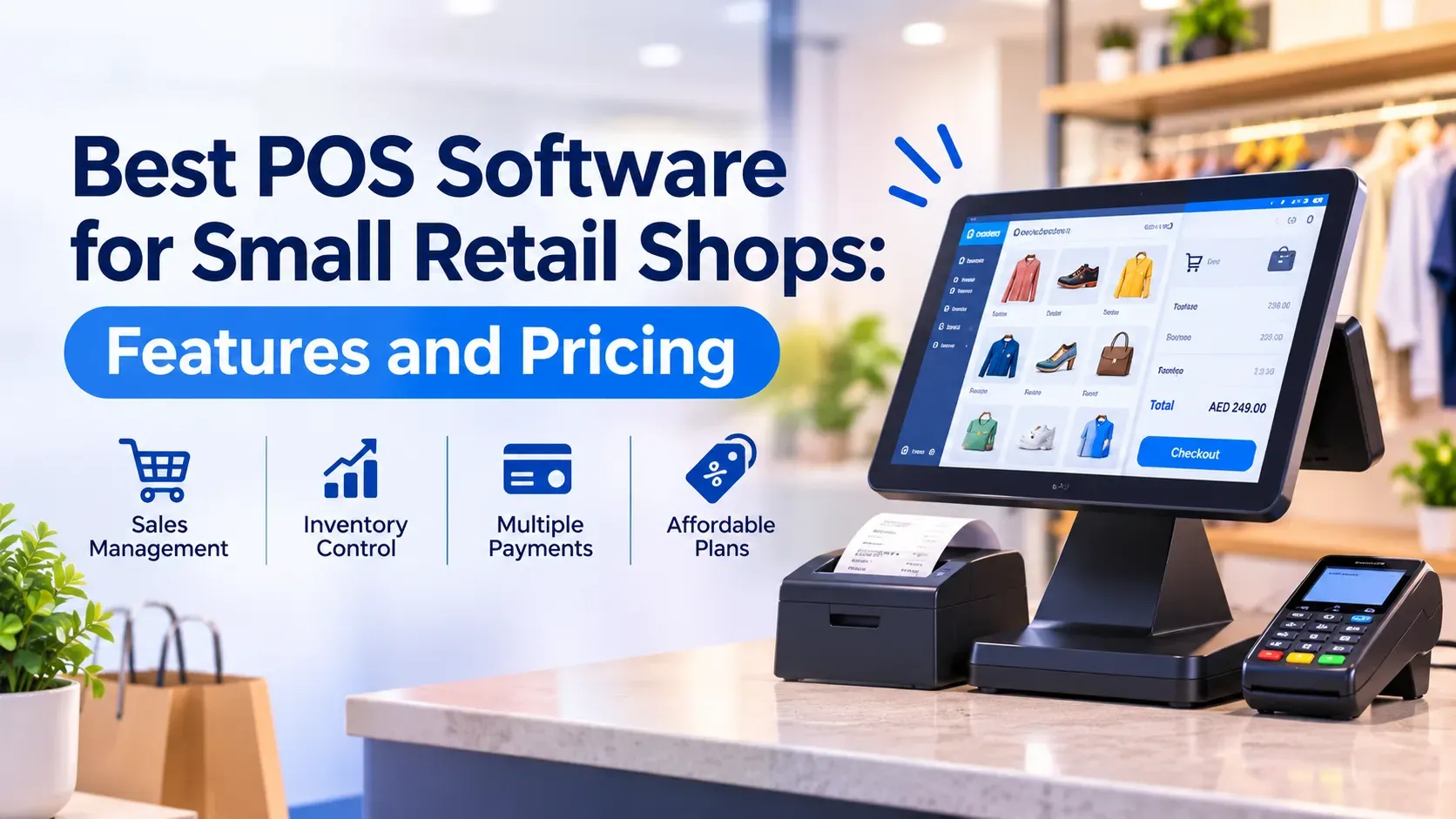
Best POS Software for Small Retail Shops: Features and Pricing
Choosing point of sale (POS) software for a small retail shop: key features, a comparison of Zoho POS, Odoo Point of Sale, Shopify POS and Square for Retail, real costs and a recommendation.
Jump to section
Looking for the best POS software for small retail shops? We compare Zoho POS, Odoo Point of Sale, Shopify POS and Square for Retail on features, who each suits and what you will really pay, as of November 2026.
The best POS software for small retail shops is the one that fits how you sell today and how you plan to grow. For a single shop that wants low cost and simple billing, Zoho POS is a strong starting point because it has a free plan and affordable paid tiers. If you also need accounting, purchasing and CRM in one system, Odoo Point of Sale is worth testing. If much of your revenue comes from a website, look at Shopify POS. Prices in this guide are as of November 2026, so check each vendor's page before you buy.
Key takeaways
- Single shop, tight budget: Zoho POS has a free plan and paid plans priced per location, with billing apps for Windows, macOS, Android and iOS.
- POS plus accounting and stock in one system: Odoo Point of Sale works best when you are ready for a wider business platform.
- Selling online and in store: Shopify POS Lite is included with Shopify plans, and POS Pro adds paid per-location features.
- The software fee is only part of the cost. Hardware, card processing fees, add-ons and local taxes change the real monthly bill.
- Test before you commit. Run a trial with your real products, printer and barcode scanner.
What a small retail shop needs from a POS system
A point of sale (POS) system records each sale, takes payment, prints or sends the receipt and updates stock. For a small shop, the real value is that stock counts and sales reports stay accurate without manual work. A cash register cannot do that, and a spreadsheet slows down at the counter.
Features worth paying for
- Fast billing with barcode scanning. Staff should finish a sale in a few taps, including discounts, returns and exchanges.
- Inventory tracking. Look for item variants such as size and colour, stock adjustments and purchase orders, so you know what to reorder.
- Hardware support. Confirm that your receipt printer, barcode scanner and cash drawer work with the software before you buy.
- Offline billing. If the internet drops, you should still be able to sell and sync later. Ask every vendor how this works in practice.
- Reports. Daily sales, best sellers and stock value are the minimum.
- Tax handling. The system should apply your local taxes and produce invoices that suit your country.
- Integrations. Links to accounting, an online store and a payment gateway save double entry.
Features you can skip at the start
Advanced loyalty schemes, multi-warehouse transfers and custom workflows matter more for larger operators. A one-shop retailer can usually begin without them, as long as the vendor offers a clear upgrade path.
Best POS Software for Small Retail Shops: Our Shortlist
We compared four options that small shops commonly consider. For each one we list who it suits, who it does not suit, and how it is priced.
Zoho POS
Zoho POS is a cloud POS built for retail. According to Zoho's help documentation, it has Free, Standard, Professional and Premium plans, a desktop app for Windows, mobile apps for Android and iOS, and a mobile store for taking your product listing online.
Pricing (as of November 2026). On Zoho's India pricing page, the Free plan covers 1 register, 1 user and 50 POS transactions. Standard is listed at ₹649 per location per month when billed yearly (₹799 billed monthly), with unlimited POS transactions, 1 register and 3 users. Professional is ₹1,299 yearly (₹1,599 monthly) with 3 registers and 10 users. Premium is ₹2,099 yearly (₹2,499 monthly) with 5 registers and 15 users. Local taxes are extra, and prices differ by country, so open the pricing page for your own region.
Strengths. The entry price is low and the free plan lets you learn the system first. Standard adds serial and batch tracking, barcode generation, price lists and multi-location management. Professional adds session and cash tracking, which helps when several people use the till.
Not ideal for. Shops that need heavy customisation or complex back-office processes on day one. The Free plan's 50-transaction limit makes it a trial tool for most busy shops, not a permanent home.
Odoo Point of Sale
Odoo is a full business platform, and Point of Sale is one of its apps. Odoo's documentation describes pricing tools such as flexible pricelists, promotions, coupons, gift cards, loyalty programs and cash rounding.
Pricing (as of November 2026). Odoo Online has a One App Free plan that covers one app for unlimited users, so a shop can run Point of Sale alone. Paid plans are priced per user per month, include all apps, and vary by country, so check the Odoo pricing page for your region. Odoo also offers a free Community edition that you host yourself, but you then pay for hosting and technical support. For a wider comparison, read our guide to Odoo vs Zoho One.
Strengths. Sales, stock, purchasing, invoicing and customer records can share one system, so stock and accounts update together. The pricelist, loyalty and promotion tools suit shops that run many offers.
Not ideal for. A single-counter shop that only wants quick billing. Odoo's breadth means more setup, and the real cost often includes implementation help. Per-user pricing also grows as your staff grows.
Shopify POS
Shopify POS suits shops that sell online and in store from one product catalog. POS Lite is included with Shopify plans. POS Pro adds features such as unlimited staff, smart inventory tools and staff roles and permissions.
Pricing (as of November 2026). You pay for a Shopify plan first. POS Pro is widely reported at $89 per location per month in the US, or $79 with annual billing. Card processing fees are separate and vary by plan and country. Confirm current terms on the Shopify POS page.
Strengths. One system covers your website and your shop, so online and in-store stock stay in step.
Not ideal for. Shops with no online sales, because you still need a Shopify plan. Per-location POS Pro fees also add up if you open more shops. Check that Shopify's hardware and payments are supported in your country.
Square for Retail
Square for Retail has Free, Plus and Premium plans. The free plan includes a retail POS app, an online store and basic inventory tools. Plus adds advanced inventory tools, reports and barcode label printing. Premium is custom priced.
Pricing (as of November 2026). Plus is charged per location, and Square's own regional pages show different amounts, for example $89 per month on the US page and £49 on the UK page. Check the Square site for your country.
Not ideal for. Shops in countries where Square does not operate, so confirm availability first. Square's POS is also built around its own card processing, so it suits you less if you must use a specific bank or payment provider.
Pricing: what you will really pay
The monthly software fee is one line in your budget. Plan for these as well:
- Hardware: a tablet or PC, receipt printer, barcode scanner and cash drawer.
- Card processing fees: usually a percentage of each card sale, set by your payment provider.
- Add-ons: Zoho, for example, sells extra users, registers and storage locations as add-ons, and they are not available on its Free plan.
- Taxes: Zoho notes that local taxes such as VAT or GST are charged on top of its listed prices.
- Setup and training: importing products and training staff takes time, and some shops pay for help.
Per-user plans such as Odoo's grow with headcount, while per-location plans such as Zoho, Shopify and Square grow with the number of shops. A simple method is to add up twelve months of software, hardware, processing fees and setup for each option. Our guide to business software subscription costs explains how to read subscription pricing.
How to choose the right option
- One shop, lowest cost, retail-first: start with Zoho POS.
- You want POS, accounting and stock in one platform: test Odoo Point of Sale.
- You sell online as much as in store: consider Shopify POS.
- Square operates in your country and you like bundled card payments: consider Square for Retail.
Before you decide, work through this short checklist:
- List your products, variants and price lists.
- Book a demo or start a free trial.
- Import about 50 real products and print a real receipt.
- Run one full day of billing, including a return and a discount.
- Check that the daily report matches your cash and card totals.
Common mistakes to avoid
- Choosing on price alone. A cheap plan with the wrong limits on users or registers costs more once you upgrade.
- Ignoring hardware. Check printer and scanner compatibility before you buy anything.
- Skipping data clean-up. Messy product names and duplicate items carry over into the new system.
- No staff roles. Give cashiers only the access they need.
- Paying for features you will not use. Start with the plan that fits today and upgrade later.
If you are still setting up your wider tools, our business starter kit guide covers the other software a new business usually needs.
Our recommendation
For most small retail shops that are replacing a cash register or a spreadsheet, we suggest starting with Zoho POS. It combines a low entry price, a free plan, unlimited transactions on paid plans and the core retail features. Move to Odoo if you want POS tied to a wider business system, and choose Shopify if your online store is as important as your shop. This view comes from published plans and documentation, not from testing every hardware setup, so let your own trial make the final decision.
Conclusion
The right POS system saves time at the counter and gives you stock and sales numbers you can trust. Compare the real yearly cost, test with your own products and hardware, and pick the plan that fits your shop today. If you would like help comparing options or planning a setup, contact TechnoStore360 and our team will help you choose.
Frequently Asked Questions
Clear answers to common questions about this guide and implementation.
The best choice depends on how you sell. Zoho POS suits a single shop that wants a low price and a free plan to start, Odoo Point of Sale suits shops that want accounting and stock in one platform, and Shopify POS suits shops that also sell online. Run a trial with your own products before you decide.
About the author
Nihala Nizar
Blog Creator
blog writer who transforms ideas and experiences into engaging, meaningful stories. Dedicated to creating well-written content that informs, inspires, and connects with readers
Related Articles
More in Software Guides
How Much Does Business Software Cost? A Guide to Subscription Pricing
Wednesday Nov 18, 2026
How much does business software cost? Compare 2026 per-user prices for Microsoft 365, Google Workspace, Zoho One and Odoo, plus hidden costs and a simple budget example.
Odoo vs Zoho One: Which Business Software Offers Better Value?
Monday Nov 16, 2026
Compare Odoo vs Zoho One to discover their features, pricing, benefits and differences. Find out which business software is best for managing accounting, sales, inventory and daily operations while supporting your business growth.
Zoho Books vs Other Accounting Software: Which Should You Choose?
Sunday Nov 15, 2026
Compare Zoho Books with TallyPrime, BUSY, Vyapar and Odoo to find the right accounting software for your business. Explore features, pricing, invoicing, GST management and financial reporting to make an informed choice.


