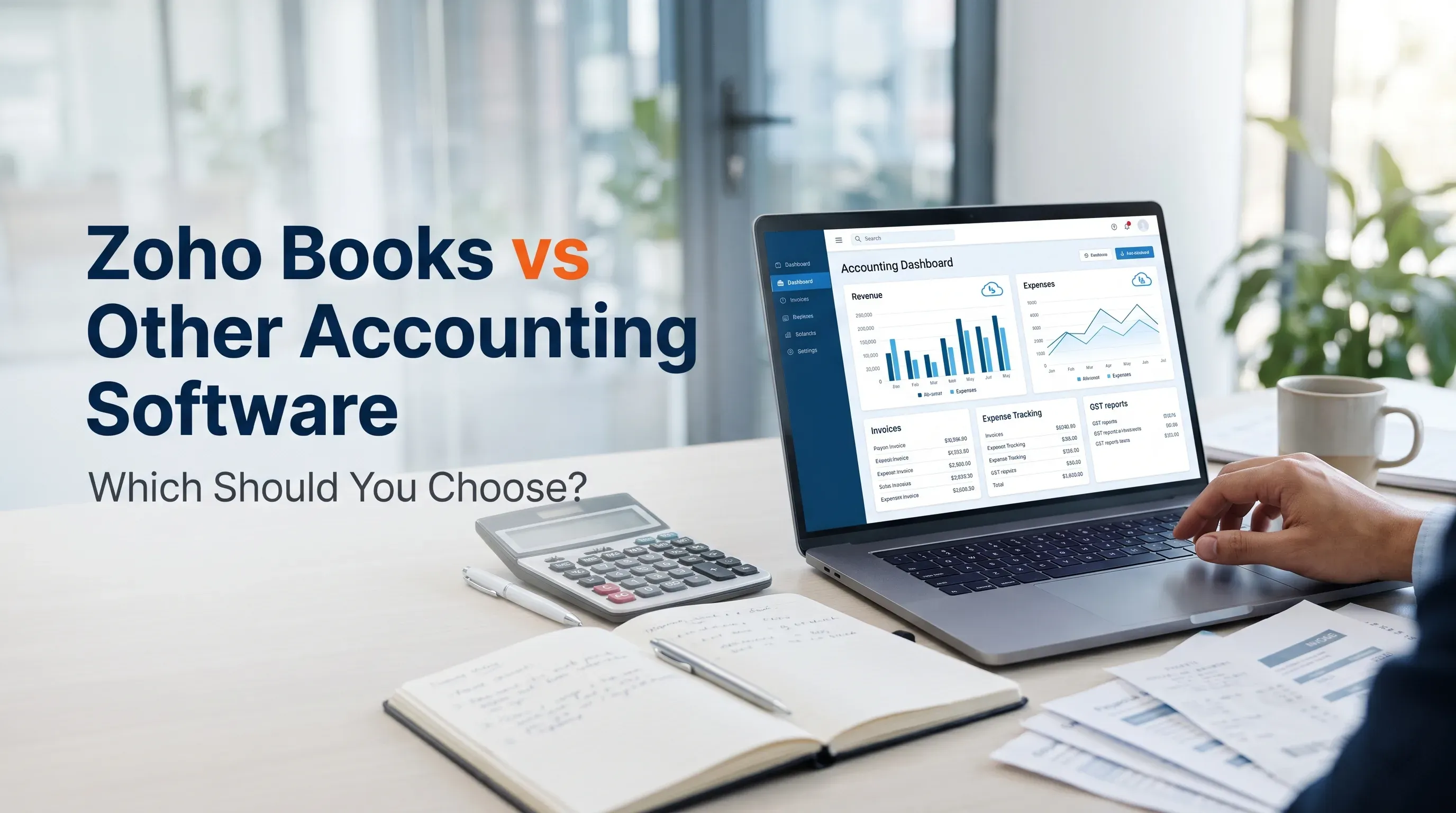
Zoho Books vs Other Accounting Software: Which Should You Choose?
Zoho Books comparison, accounting software features, GST management, invoicing, expense tracking and financial reporting for small businesses in India.
Jump to section
Compare Zoho Books with TallyPrime, BUSY, Vyapar and Odoo to find the right accounting software for your business. Explore features, pricing, invoicing, GST management and financial reporting to make an informed choice.
Zoho Books vs Other Accounting Software: Which Should You Choose?
Running a business involves much more than selling products or providing services. You also need to manage invoices, track expenses, monitor payments, maintain financial records and stay on top of tax requirements. When these tasks are handled manually, they can take up valuable time and leave room for mistakes.
That is why choosing the right accounting software matters.
There are several accounting solutions available for Indian businesses, including Zoho Books, TallyPrime, BUSY, Vyapar and Odoo. Each platform offers different features, pricing structures and ways of managing business finances. Some are designed for straightforward billing and accounting, while others provide wider business management tools.
So, which one should you choose?
In this guide, we will compare Zoho Books with these popular alternatives, explore their main features and explain which type of business may benefit from each option.
Why Is Accounting Software Important for Small Businesses?
Accounting software helps businesses organise financial activities in one place. Instead of maintaining separate spreadsheets, paper records and manual calculations, you can use a single system to manage important accounting tasks.
The right software can help you:
- Create and send professional invoices.
- Record sales, purchases and business expenses.
- Track customer payments and outstanding balances.
- Monitor income, expenses and cash flow.
- Manage stock and inventory.
- Prepare financial reports.
- Organise GST-related records and reports.
- Reduce repetitive administrative work.
For small businesses, these benefits can make everyday financial management easier. They also help business owners understand where their money is going and make decisions based on more organised records.
However, not every accounting platform works in the same way. Your choice should depend on the size of your business, the way you operate and the features you actually need.
What Is Zoho Books?
Zoho Books is an online accounting platform designed to help businesses manage their finances and day-to-day accounting activities. It brings together invoicing, expense tracking, banking, inventory management and financial reporting.
One of its main advantages is that it brings several accounting activities into one platform. You can create invoices, record expenses, track payments and review financial reports without switching between multiple tools.
For Indian businesses, Zoho Books also offers GST-related features, including GST invoicing, tax reports and support for e-invoicing and e-way bill workflows, depending on the applicable requirements and plan.
Key Features of Zoho Books
1. Invoicing and Billing
Creating invoices is one of the most common accounting tasks in any business. Zoho Books allows you to prepare professional invoices, customise invoice details and share them with customers. You can also track payment status and send reminders for overdue payments.
2. Expense Tracking
Keeping track of business expenses is essential for understanding profitability. Zoho Books helps you record expenses, organise bills and monitor spending. This makes it easier to review where your business money is being used.
3. GST Management
For businesses registered under India's GST system, managing tax records is an important responsibility. Zoho Books provides GST-related invoicing, reports and compliance workflows. Businesses should still review their transactions and confirm that their accounting settings match current GST requirements.
4. Bank Reconciliation
Comparing your accounting records with bank transactions can be time-consuming when done manually. Zoho Books provides banking and reconciliation features that help businesses match transactions and identify differences.
5. Inventory Management
Businesses that sell physical products need to know what is available, what has been sold and when stock needs to be replenished. Zoho Books offers inventory tracking features, with more advanced inventory controls available in eligible plans.
6. Financial Reports
Financial reports help business owners understand their financial position. Zoho Books can generate reports such as profit and loss statements, balance sheets, cash flow statements and tax reports.
Overall, Zoho Books is worth considering if you want an online accounting system that connects everyday financial tasks with business reporting.
Zoho Books vs TallyPrime: Which Is Better?
TallyPrime is a familiar accounting and business management solution used by many businesses in India. It supports accounting, inventory management, GST-related workflows and financial reporting.
Zoho Books and TallyPrime can both help businesses manage their accounts, but they offer different working experiences.
Where Zoho Books Stands Out
Zoho Books is a cloud-based platform. This makes it suitable for businesses that want to access their accounting information online and manage financial activities across supported devices.
It also offers features such as automated payment reminders, online invoicing, bank feeds and connections with other Zoho applications.
For businesses that prefer a modern online accounting experience, Zoho Books can be a practical choice.
Where TallyPrime Stands Out
TallyPrime is widely used for accounting, inventory and business transactions. It offers detailed accounting functions, GST-related features, reports and support for business operations such as stock management.
Businesses that already have an established Tally-based accounting process may prefer to continue using it, especially if their accountants and staff are comfortable with the software.
Which One Should You Choose?
Choose Zoho Books if you prefer cloud-based accounting, online access and connected business applications.
Consider TallyPrime if your business relies on established accounting workflows, detailed transaction management and its familiar working environment.
The better option is the one that fits your existing processes and makes accounting easier for your team.
Zoho Books vs BUSY: Which Suits Your Business?
BUSY is another accounting and GST billing solution used by Indian businesses. It provides tools for accounting, invoicing, inventory management, GST-related activities and business reporting.
It is particularly relevant to businesses that handle regular sales, purchases and stock-related transactions.
What Makes Zoho Books a Good Option?
Zoho Books is useful for businesses that want to manage accounting through an online platform. Its invoicing, expense tracking, banking, reporting and integration features can help bring financial activities together.
It may be especially useful for service businesses, consultants and companies that want to connect accounting with other online business applications.
What Makes BUSY Worth Considering?
BUSY offers a range of accounting and inventory features. Depending on the edition, businesses can manage multiple stock locations, batch details, GST reports, purchase and sales transactions, and other accounting activities.
For businesses with more detailed inventory requirements, these capabilities may be important when selecting accounting software.
Which One Should You Choose?
Zoho Books may be a better fit if cloud access, online workflows and integrations are your priorities.
BUSY may be worth considering if your business depends heavily on inventory management, GST billing and established accounting processes.
Before deciding, compare the specific features available in each plan rather than relying only on the software name.
Zoho Books vs Vyapar: Which Is Better for Small Businesses?
Vyapar is a billing and accounting solution aimed at small businesses. It focuses on practical activities such as creating invoices, recording expenses, managing inventory and generating business reports.
It can be useful for retailers, traders and smaller businesses that want to manage billing and stock without dealing with an unnecessarily complicated system.
Why Consider Zoho Books?
Zoho Books offers a wider accounting workflow that includes invoicing, expenses, banking, financial reporting and integrations with other applications.
It may be a suitable option for businesses that are growing beyond basic billing and need more organised accounting processes.
Why Consider Vyapar?
Vyapar focuses on everyday business tasks such as GST billing, stock management, purchase and sales records, and expense tracking.
For a small shop or local business that mainly needs straightforward billing and inventory features, Vyapar may be worth exploring.
Which One Should You Choose?
If your main requirement is simple billing and stock management, Vyapar may be sufficient.
If you need broader accounting capabilities, online workflows, banking features and connections with other business applications, Zoho Books may be a stronger choice.
Think about what your business needs today and what it may need as it grows.
Zoho Books vs Odoo: Accounting Software or Complete Business Management?
Odoo is different from many traditional accounting tools because it offers a wider collection of business applications. Depending on the modules selected, businesses can use Odoo for accounting, sales, CRM, inventory, purchasing and other operations.
This makes it worth considering for businesses that want to manage several departments through one connected system.
Why Choose Zoho Books?
Zoho Books focuses on accounting and financial management. It provides tools for invoicing, expenses, banking, tax-related workflows and reporting.
It can also connect with other Zoho applications, allowing businesses to extend their software setup as their requirements change.
Why Choose Odoo?
Odoo may be suitable for businesses that need more than accounting software. Its modular approach allows companies to select applications for different business functions.
For example, a business may want to connect customer management with sales, inventory and accounting. Odoo can support this type of wider workflow, although the setup may require more planning and configuration.
Which One Should You Choose?
Choose Zoho Books if your main priority is managing accounting and financial activities through a dedicated accounting platform.
Consider Odoo if you want a broader business management system that can connect accounting with several other operational areas.
Remember that a wider feature set does not automatically mean a better solution. The software should match the complexity of your business.
What Should You Consider Before Choosing Accounting Software?
Comparing features is useful, but the right decision involves more than checking a list of functions. Consider how the software will fit into your daily operations.
1. Understand Your Business Requirements
Start by identifying the accounting tasks you handle regularly.
Do you mainly create invoices and record expenses? Do you manage a large inventory? Do you need multiple users to access financial information? Are you looking for connections with CRM or sales applications?
Write down your essential requirements before comparing plans.
2. Check GST Features
For Indian businesses, GST-related functionality can be an important consideration. Look for the features relevant to your operations, such as GST invoicing, tax reports, e-invoicing, e-way bills and reconciliation.
Do not assume that every feature is included in every plan. Check the current product documentation and confirm that the software supports your specific compliance requirements.
3. Compare the Total Cost
Accounting software pricing can vary depending on the plan, number of users, billing period and additional services.
A low starting price may look attractive, but it is important to check whether the plan includes the features you need. Consider subscription costs, upgrades, training, data migration and any additional integrations.
4. Check Ease of Use
Software should make accounting easier, not create more work for your team.
Look for a clear interface, simple navigation and workflows that your employees or accountant can understand. If possible, try a free trial or request a product demonstration before making a decision.
5. Consider Integrations
Your accounting software may need to work with other business applications, such as CRM, payment platforms, e-commerce tools or inventory systems.
Check whether the software supports the integrations your business already uses. This can reduce repeated data entry and make everyday operations more connected.
6. Review Support and Data Migration
Moving from one accounting system to another requires careful planning. Before switching, check whether customer records, supplier details, invoices, inventory information and previous financial data can be migrated correctly.
Also review the available customer support, training resources and onboarding assistance.
Which Accounting Software Is Best for Your Business?
There is no single accounting platform that is perfect for every business. Each option has its own strengths.
Zoho Books is worth considering for businesses that want cloud-based accounting, invoicing, expense tracking, banking and financial reporting in one platform.
TallyPrime may suit businesses that prefer established accounting workflows, detailed transaction management and familiar accounting tools.
BUSY can be a good option for businesses that need accounting, GST billing and detailed inventory management.
Vyapar may work well for smaller businesses that mainly need practical billing, expense tracking and stock management.
Odoo is worth exploring when a business needs accounting alongside wider business applications such as CRM, sales, purchasing and inventory.
The best choice depends on your budget, business size, accounting requirements and future plans.
Is Zoho Books the Right Choice for Your Business?
If you are looking for accounting software that combines invoicing, expense management, banking, GST-related workflows and financial reporting, Zoho Books deserves a place on your shortlist.
It can be particularly useful for businesses that want to move away from scattered spreadsheets and manual accounting tasks. Its online features and connections with other applications can also support businesses as their operations become more organised.
However, it is still important to compare it with alternatives such as TallyPrime, BUSY, Vyapar and Odoo. A retailer with detailed stock requirements may have different priorities from a freelancer who mainly needs invoicing and expense tracking.
Take time to understand your requirements, review the available plans and test the features before choosing.
Explore Zoho Books with TechnoStore360
Choosing accounting software is an important step towards managing your business finances more effectively. The right solution can help you organise records, monitor payments, manage expenses and understand your financial performance.
At TechnoStore360, you can explore Zoho Books and learn more about how it may support your business accounting requirements.
Visit the Zoho Books product page to review the available solution and find out whether it matches your business needs.
Frequently Asked Questions
Clear answers to common questions about this guide and implementation.
Yes. Zoho Books offers accounting features such as invoicing, expense tracking, payment management and financial reporting. Small businesses can choose a plan based on their requirements and the features they need.
About the author
Nihala Nizar
Blog Creator
blog writer who transforms ideas and experiences into engaging, meaningful stories. Dedicated to creating well-written content that informs, inspires, and connects with readers
Related Articles
More in Accounting Software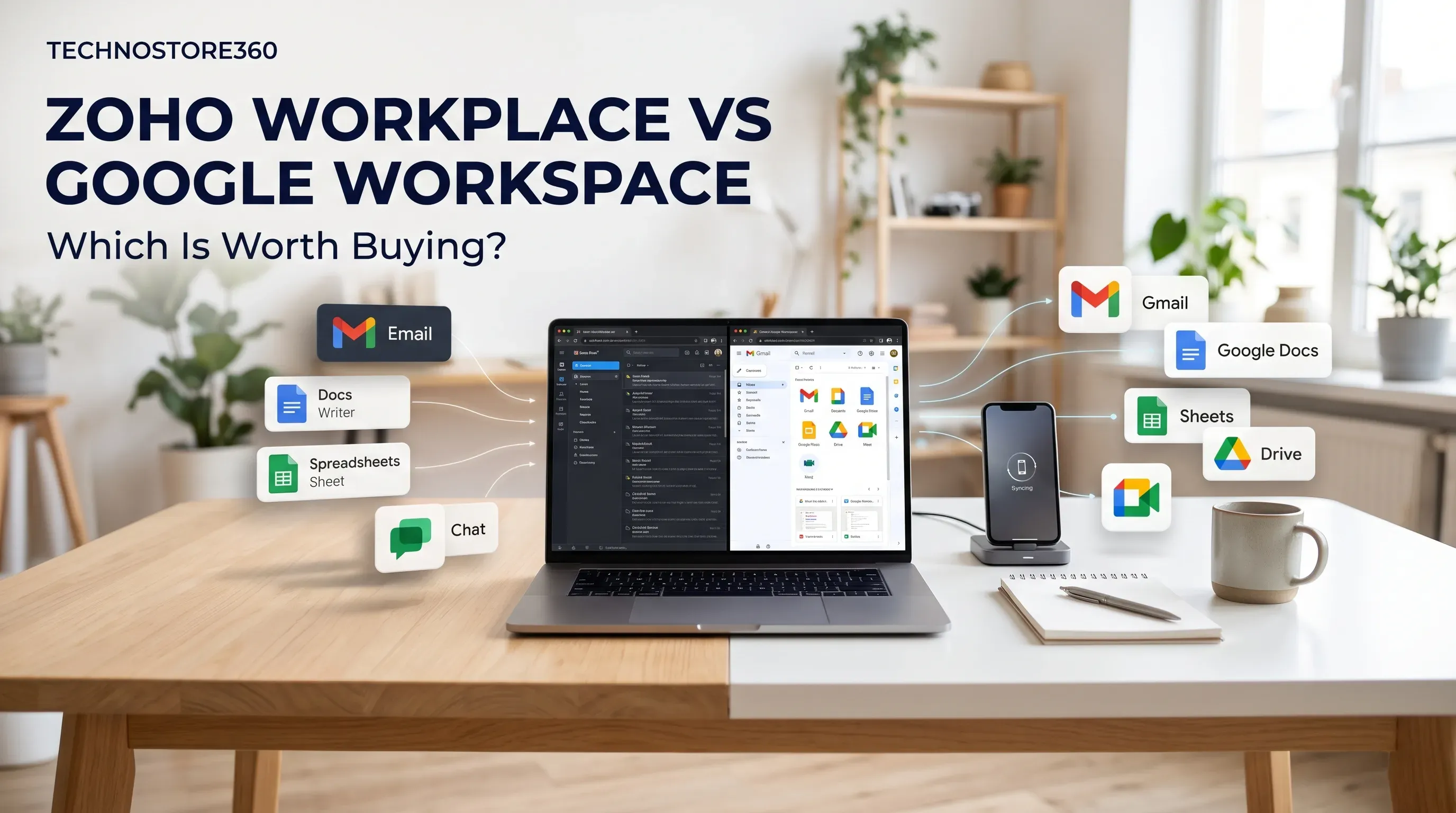
Zoho Workplace vs Google Workspace: Which Is Worth Buying?
Saturday Nov 14, 2026
Not sure whether to choose Zoho Workplace or Google Workspace? Compare business email, document editing, cloud storage, team communication, security and pricing to find the right productivity suite for your business.
ZKTeco Biometric Devices Compared: Which Model Fits Your Business Needs?
Friday Nov 13, 2026
Explore the best ZKTeco biometric devices for businesses in 2026. Compare fingerprint and facial recognition, attendance tracking, access control and key features to find the right model for your workplace.
Best CRM Software for Freelancers and Small Businesses
Thursday Nov 12, 2026
Looking for the best CRM software for freelancers and small businesses? Compare Zoho CRM, HubSpot, Bigin, Freshsales and Odoo to explore their features and find the right solution for managing customers, tracking leads and growing your business.


