

Microsoft 365 Plans Explained: Which Plan Should You Buy?
A simple guide to Microsoft 365 Personal, Family, and Business plans, comparing pricing, features, storage, and security to help you choose the right subscription.
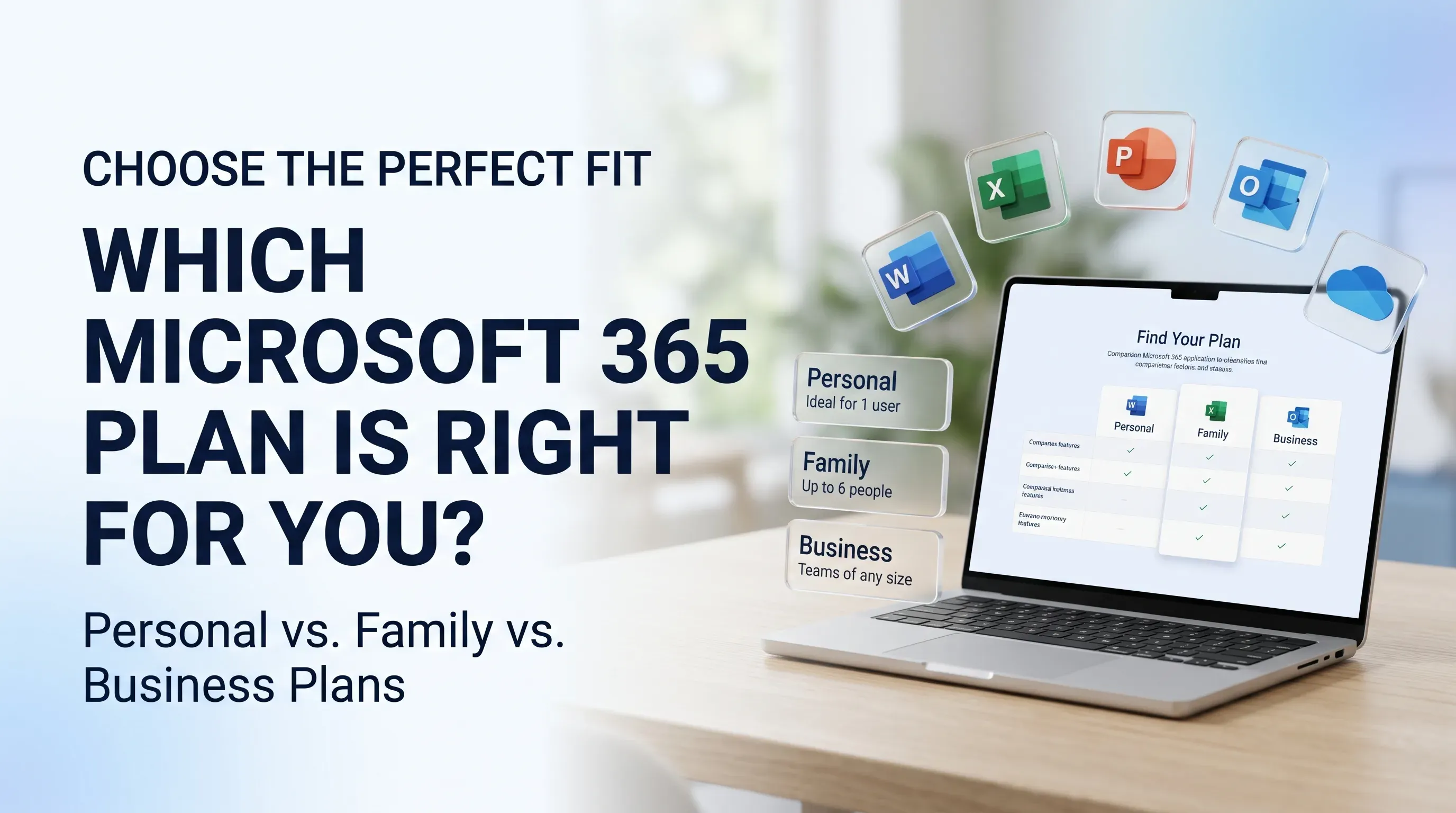
Jump to section
Not sure which Microsoft 365 plan your business needs? Compare Business Basic, Standard and Premium, including features, security, cloud storage and pricing, to find the right subscription for your team.
Microsoft 365 Plans Explained: Which Plan Should You Buy?
Choosing the right Microsoft 365 plan can make a real difference to how your business works. The right subscription gives your employees the tools they need to communicate, create documents, manage files and collaborate, without making you pay for features your team may never use.
But with several Microsoft 365 business plans available, deciding which one to buy is not always straightforward.
Should you choose Business Basic to keep costs under control? Is Business Standard a better option because it includes desktop Office applications? Or is Business Premium worth considering for its additional security and device management features?
For most small and medium-sized businesses, the decision comes down to three main options: Microsoft 365 Business Basic, Business Standard and Business Premium. Business Basic suits teams that mainly work online, Business Standard is useful for employees who need desktop Office applications, and Business Premium is designed for organisations that need additional security and device management.
In this guide, we explain the differences between Microsoft 365 plans, what each subscription offers and how to choose the right one for your business.
What Is Microsoft 365 for Business?
Microsoft 365 for Business is a subscription-based productivity platform that brings together applications and cloud services for everyday business activities.
Instead of purchasing and managing separate tools for email, documents, spreadsheets, meetings and file storage, businesses can access several services through one Microsoft subscription.
Depending on the plan, Microsoft 365 can include:
- Microsoft Outlook: Manage professional email, calendars and contacts.
- Microsoft Word: Create reports, proposals, letters and business documents.
- Microsoft Excel: Prepare spreadsheets, budgets, calculations and reports.
- Microsoft PowerPoint: Create presentations for customers, employees and meetings.
- OneDrive: Store files online and access them across supported devices.
- SharePoint: Organise and share documents and information across teams.
- Microsoft Teams: Support workplace communication, chat and online meetings in plans that include Teams.
- Microsoft Intune: Manage business devices and applications in supported subscriptions.
- Microsoft Defender: Help protect business devices and email against security threats, depending on the selected plan.
The important thing to understand is that not every Microsoft 365 subscription includes the same applications and services.
A business that mainly needs email and online documents may not require the same plan as an organisation managing multiple employee devices and sensitive information.
That is why it is worth understanding each subscription before purchasing.
Microsoft 365 Business Plans Explained
For most small and medium-sized businesses, the three main plans to compare are Business Basic, Business Standard and Business Premium.
Let's look at what each one offers and the type of business that may benefit from it.
1. Microsoft 365 Business Basic: A Practical Starting Point for Small Businesses
Microsoft 365 Business Basic is designed for businesses that need professional email, cloud storage and online productivity applications.
It is a practical starting point for startups and smaller teams that mainly work through web browsers and mobile devices.
With Business Basic, users can access web and mobile versions of applications such as Word, Excel, PowerPoint and Outlook. The subscription also provides business email and cloud-based collaboration services.
What does Microsoft 365 Business Basic include?
Depending on the selected subscription version, Business Basic provides:
- Professional business email through Exchange Online.
- Web and mobile versions of Word, Excel, PowerPoint and Outlook.
- OneDrive cloud storage.
- SharePoint for team file sharing.
- Microsoft Teams in versions that include Teams.
- Additional business applications, depending on plan availability.
One of its main advantages is that employees can create documents, manage email and access files without needing installed desktop Office applications.
Who should choose Business Basic?
Business Basic may be suitable for:
- Startups with straightforward IT requirements.
- Small businesses that mainly use online applications.
- Teams that need professional email and cloud storage.
- Employees who work remotely or across different locations.
- Organisations that do not depend on advanced desktop Office features.
When might Business Basic not be enough?
Consider another plan if your employees regularly work with installed desktop versions of Word, Excel and PowerPoint.
You should also review your security and device management requirements. If your business needs additional controls over employee devices and access to company information, Business Premium may be more appropriate.
The goal is not simply to choose the cheapest subscription. It is to select one that allows your employees to do their work without unnecessary limitations.
2. Microsoft 365 Business Standard: For Teams That Need Desktop Office Applications
Microsoft 365 Business Standard is designed for businesses that need more than browser-based productivity tools.
It includes desktop versions of core Office applications alongside web and mobile access and the collaboration services available in the subscription.
For employees who regularly prepare detailed documents, work with complex spreadsheets or create presentations, having installed Office applications can make everyday work easier.
What does Microsoft 365 Business Standard include?
Depending on the selected subscription version, Business Standard provides:
- Desktop, web and mobile versions of Microsoft Word.
- Desktop, web and mobile versions of Microsoft Excel.
- Desktop, web and mobile versions of Microsoft PowerPoint.
- Outlook and professional business email.
- OneDrive cloud storage.
- SharePoint for file sharing and team collaboration.
- Microsoft Teams in versions that include Teams.
- Additional business applications, depending on plan availability.
The availability of desktop Office applications is one of the main reasons businesses choose Standard over Basic.
Employees can work with installed applications while still using Microsoft's cloud services to access and share files.
Who should choose Business Standard?
Business Standard may be a good fit for:
- Small and medium-sized businesses.
- Professional service companies.
- Finance and administration departments.
- Employees who work with detailed Excel spreadsheets.
- Organisations that regularly prepare client proposals and presentations.
- Teams that depend on desktop Office applications.
When should you consider another plan?
Business Standard may be sufficient for productivity, but it may not provide all the advanced security and device management capabilities your organisation needs.
If your company handles sensitive information, manages employee devices or requires additional protection against cyberthreats, Business Premium is worth evaluating.
3. Microsoft 365 Business Premium: For Businesses That Need Additional Security
Microsoft 365 Business Premium combines productivity applications with additional security and device management capabilities.
It is particularly relevant for organisations that need to manage company devices, protect employee accounts and apply security policies across their workforce.
Along with the productivity services available in the lower business tiers, Business Premium includes services such as:
- Microsoft Defender for Business: Helps protect business devices against malware, ransomware and other cyberthreats.
- Microsoft Defender for Office 365 Plan 1: Provides additional protection against email and collaboration-related threats.
- Microsoft Intune Plan 1: Helps administrators manage devices and applications.
- Microsoft Entra ID Plan 1: Provides identity and access management capabilities.
- Microsoft Purview capabilities: Supports information protection and data governance features included in the subscription.
The exact features and service limits should always be checked against Microsoft's current subscription documentation.
Who should choose Business Premium?
Business Premium may suit:
- Businesses handling confidential customer or employee information.
- Organisations with employees using multiple devices.
- Companies supporting remote and hybrid teams.
- Businesses that need centralised device management.
- Organisations looking for additional protection against phishing, malware and ransomware.
- IT teams that need more control over user access and company devices.
Is Business Premium worth the additional cost?
For a business with more demanding security requirements, it can be worth considering.
A compromised account or poorly managed device can create problems beyond a single employee. It can affect business information, customer records and day-to-day operations.
Business Premium brings several security and management services together in one subscription. This may be useful when compared with purchasing and managing separate tools.
However, not every business needs every advanced feature. Review your actual requirements before deciding whether the additional subscription cost is justified.
Microsoft 365 Business Basic vs Standard vs Premium: What Is the Difference?
The biggest differences between these plans concern desktop applications, security and device management.
Here is a simple way to understand them.
Business Basic focuses on online productivity.
Choose it when your team mainly needs professional email, cloud storage and browser-based Office applications.
Business Standard adds desktop Office applications.
Choose it when employees regularly use installed versions of Word, Excel and PowerPoint for their daily work.
Business Premium adds stronger security and device management.
Choose it when your organisation needs productivity applications alongside additional protection and centralised management of employee devices.
The right plan depends on how your employees work, not simply how many features appear in the subscription description.
Microsoft 365 Pricing: What Should Businesses Consider?
Pricing is one of the first things businesses consider when choosing a Microsoft 365 subscription.
However, the final cost depends on several factors, including the selected plan, country, billing period and subscription version.
Some subscriptions are offered in versions with and without Microsoft Teams. Certain AI and additional security services may also require separate licences or add-ons.
Before purchasing, check:
- The current price in your billing country.
- Whether the subscription is billed monthly or annually.
- Whether the displayed price includes applicable taxes.
- Whether Microsoft Teams is included.
- Whether desktop Office applications are included.
- Whether additional licences or services are required.
- Whether the subscription has an annual commitment.
If your business needs licences for several employees, calculate the total subscription cost rather than looking only at the price of one user.
For example, a business with 20 employees should consider the annual cost of all 20 subscriptions, together with any additional services it may need.
It is also important to understand the billing terms. A monthly equivalent price may be based on an annual commitment rather than a flexible month-to-month arrangement.
Our recommendation: Compare the complete cost of each suitable plan and consider the features your employees will actually use. A lower starting price is not necessarily better value if it creates limitations for your team.
How Much Cloud Storage Does Microsoft 365 Provide?
Cloud storage is another important factor when choosing a Microsoft 365 business subscription.
Microsoft uses OneDrive and SharePoint for different file storage and collaboration requirements.
OneDrive for individual work files
OneDrive allows employees to store documents, access them across supported devices and share files with colleagues or external users according to organisational settings.
The main Microsoft 365 Business Basic, Business Standard and Business Premium subscriptions generally include 1 TB of OneDrive storage per user, subject to the applicable service terms.
SharePoint for shared business information
SharePoint helps organisations create shared sites and manage documents across departments and teams.
It can be useful for businesses that want to organise shared resources rather than keeping every important document in an individual employee's storage.
Before choosing a subscription, consider:
- How many employees need access to shared files?
- Are documents stored individually or in shared locations?
- Does the business work with large files?
- Are file-sharing permissions managed centrally?
- Will additional storage be required?
A good file management approach is just as important as the storage allowance itself.
Microsoft 365 Security: Which Plan Is Right for Your Business?
Security requirements vary from one organisation to another.
A small team with straightforward IT needs may not require the same security controls as a business managing several devices and confidential information.
Microsoft 365 provides security features across its subscriptions, but the available capabilities differ between plans.
Security in Business Basic and Business Standard
These subscriptions provide core business services, including Exchange Online email protection and identity and access management features.
They can be suitable for organisations with relatively straightforward IT environments.
However, businesses should not assume that entry-level plans include every advanced endpoint protection, identity or device management feature.
Additional Security in Business Premium
Business Premium includes additional services designed to help organisations protect users, devices and business information.
It is worth considering if your business needs:
- Additional protection against malicious software.
- More email threat protection.
- Centralised management of employee devices.
- Stronger access policies.
- Greater control over company applications and information.
One important point: purchasing a security-focused subscription does not automatically make a business secure.
Proper configuration, regular updates, employee awareness and appropriate access policies are still necessary.
Microsoft Teams, SharePoint and OneDrive: How Do They Help Businesses Collaborate?
Microsoft 365 is more than a collection of Office applications. Its collaboration services can help employees communicate, share documents and organise company information.
Microsoft Teams
Teams supports workplace communication through chat, meetings and collaboration features.
It can help employees communicate without relying entirely on email for internal discussions.
Before purchasing, check whether the specific Microsoft 365 subscription includes Teams. Some business plans are offered in versions without it.
SharePoint
SharePoint helps organisations create shared sites and manage business documents.
It can be useful for departments that need controlled access to shared files, internal resources and team information.
OneDrive
OneDrive allows employees to store and access their individual work files.
It also supports file sharing and collaboration, depending on the organisation's settings.
When these services are used together, businesses can create a more organised approach to file storage and workplace communication.
Can You Mix Different Microsoft 365 Plans for Different Employees?
Yes. A business does not always need to assign the same Microsoft 365 plan to every employee.
Different roles often have different requirements.
For example:
- Employees who mainly use email and browser-based applications may need Business Basic.
- Finance and administration employees who depend on desktop Excel may need Business Standard.
- Employees who use managed company devices and access sensitive information may need Business Premium.
A mixed licensing approach can help businesses avoid paying for advanced features that every employee does not need.
However, licensing should be planned carefully.
Before assigning different subscriptions, check Microsoft's licensing terms, service requirements and your organisation's security policies.
Make sure each employee has the applications and services needed to perform their job.
This approach can be especially useful for businesses with different departments, job roles and levels of access.
What Happens When Your Business Grows Beyond 300 Users?
Microsoft 365 Business plans are generally designed for organisations with up to 300 users.
If your organisation approaches this limit or develops more complex IT requirements, it may be time to evaluate Microsoft 365 Enterprise plans.
Enterprise subscriptions are designed for larger organisations and can provide additional capabilities for security, compliance, identity management and administration.
A growing business should review more than its employee count when considering an upgrade.
Other factors include:
- Regulatory and compliance requirements.
- Data protection and retention policies.
- Advanced identity management.
- Security monitoring and reporting.
- Device and application management.
- Integration with existing business systems.
The right time to consider an Enterprise subscription depends on your organisation's requirements, not simply its size.
6 Common Mistakes to Avoid When Buying Microsoft 365
Choosing a subscription without reviewing your actual requirements can lead to unnecessary expenses or missing features.
Here are six mistakes worth avoiding.
1. Choosing Only Based on Price
The cheapest plan may not include the applications your employees need.
If your team requires desktop Office applications, Business Basic may not be sufficient.
Compare the included features before deciding.
2. Assuming Every Plan Includes Desktop Office Applications
This is one of the most important differences between Microsoft 365 business plans.
Business Basic provides web and mobile Office applications, while Business Standard and Business Premium include desktop applications.
Check the subscription details before purchasing.
3. Ignoring Security Requirements
A business that manages multiple devices or handles sensitive information may need more than basic account protection.
Evaluate whether Business Premium's security and device management features are appropriate for your organisation.
4. Buying the Same Plan for Every Employee
Not every employee uses the same applications or accesses the same information.
A role-based licensing approach may be more cost-effective, provided licensing requirements and security policies are respected.
5. Forgetting About Microsoft Teams
Some Microsoft 365 business subscriptions are offered in versions with and without Teams.
Check the exact product name and included services rather than assuming that every version includes Teams.
6. Not Planning for Future Growth
A subscription should support your current needs without making future changes unnecessarily difficult.
Consider whether you may need more users, stronger security, additional storage or enterprise-level management later.
How to Choose the Right Microsoft 365 Plan: A Practical Checklist
Before purchasing, review these questions with your team or IT administrator.
Applications
- Do employees need desktop Word, Excel and PowerPoint?
- Are browser-based applications sufficient?
- Does the team depend on specific Office features?
Email and collaboration
- Do employees need professional email addresses?
- Is Microsoft Teams required?
- Will teams use SharePoint for shared documents?
Storage
- How much OneDrive storage will employees need?
- Does the organisation require shared document libraries?
- Are additional storage services necessary?
Security
- Do company devices need centralised management?
- Does the organisation require additional endpoint protection?
- Are stronger identity and access controls needed?
Licensing and budget
- How many employees need subscriptions?
- Can different departments use different plans?
- What is the total annual subscription cost?
- Are applicable taxes and billing terms understood?
Answering these questions will make it easier to identify the right subscription rather than choosing a plan based only on its advertised price.
Where to Explore Microsoft 365 Plans
Once you understand the differences between the subscriptions, the next step is to review the available products and confirm which version matches your organisation's requirements.
TechnoStore360 provides Microsoft software solutions for customers comparing business productivity and licensing options.
You can explore Microsoft 365 and other Microsoft products at TechnoStore360 to review the available products and subscription details.
Before completing a purchase, confirm the billing country, subscription duration, Teams availability, included applications and applicable taxes.
If your organisation needs several licences or you are unsure which plan to select, contact the TechnoStore360 team for product information before purchasing.
Final Verdict: Which Microsoft 365 Plan Should You Buy?
There is no single Microsoft 365 plan that is right for every business. The best choice depends on how your employees work, which applications they need and how much security and device management your organisation requires.
Choose Microsoft 365 Business Basic if your team mainly needs professional email, cloud storage and online Office applications.
Choose Microsoft 365 Business Standard if employees regularly use desktop Word, Excel and PowerPoint for everyday business tasks.
Choose Microsoft 365 Business Premium if your organisation needs productivity applications alongside additional security and device management capabilities.
For businesses with different departments and job roles, combining plans may be a practical option.
The most important thing is to understand your requirements before purchasing. A well-planned Microsoft 365 subscription can give employees the tools they need today while helping your organisation adapt as it grows.
Frequently Asked Questions
Clear answers to common questions about this guide and implementation.
Microsoft 365 Business Basic may be suitable for small businesses that mainly use online applications and need professional email. Business Standard is worth considering when employees need desktop Office applications. Business Premium is a stronger option when additional security and device management are required.
About the author
Nihala Nizar
Blog Creator
blog writer who transforms ideas and experiences into engaging, meaningful stories. Dedicated to creating well-written content that informs, inspires, and connects with readers
Related Articles
More in Software Guides
Microsoft 365 vs Google Workspace: Which Is Better for Your Needs?
Tuesday Nov 10, 2026
Microsoft 365 vs Google Workspace: Compare pricing, features, email, cloud storage, applications and collaboration tools. Discover which productivity subscription is right for your needs before you buy.
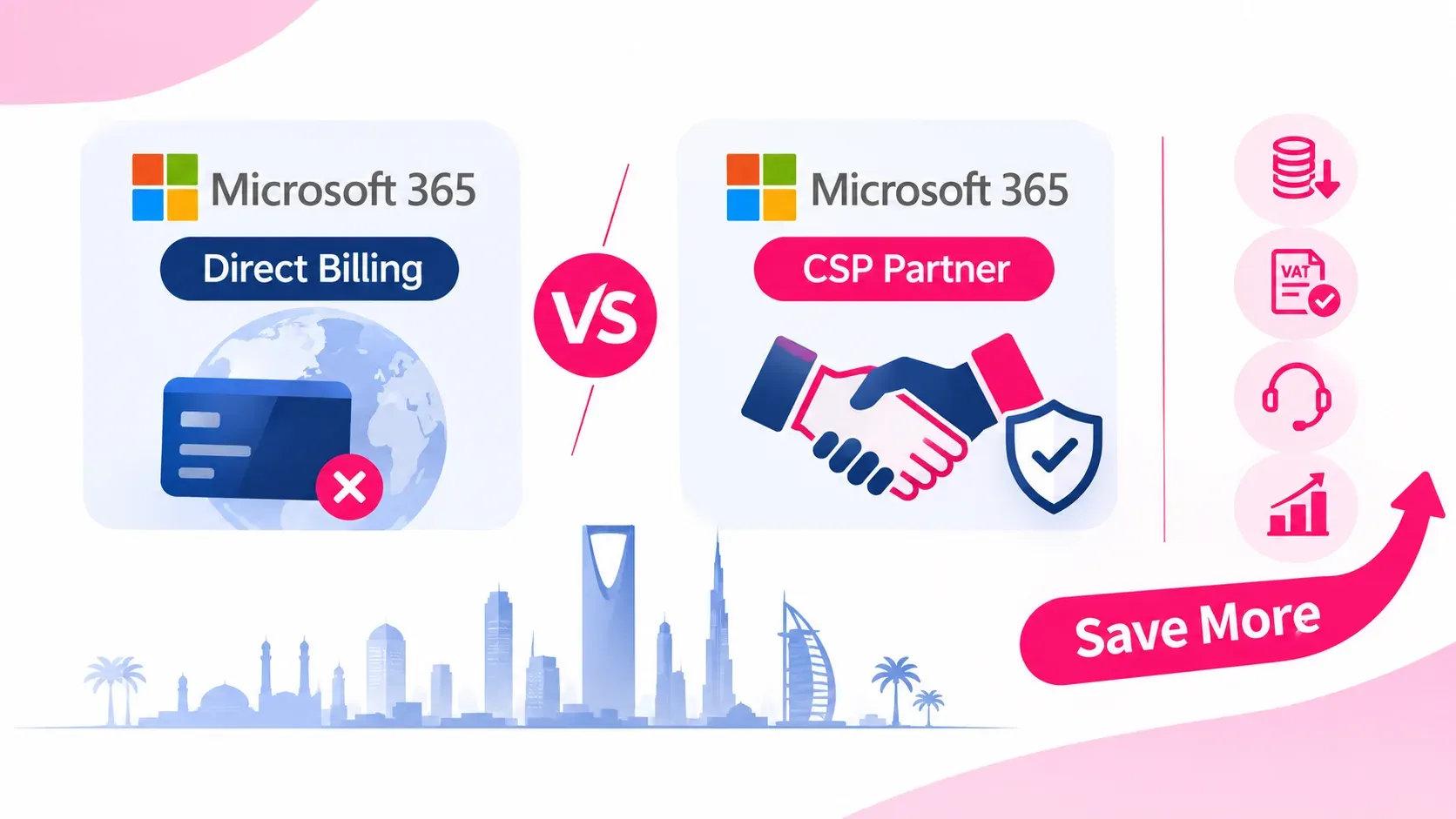
Microsoft 365 CSP vs. Direct Microsoft Billing: How Buying via an Authorized Partner Saves Costs in the GCC
Friday Nov 6, 2026
Compare Microsoft 365 CSP billing with direct Microsoft web-direct purchases. Discover how GCC enterprises save on FX fees, reclaim local VAT, unlock NCE seat flexibility, and receive localized Tier-1 support through an authorized partner.

Cloud vs On-Premise Software: Which Is Better for Your Business in 2026?
Thursday Nov 5, 2026
Choosing between cloud and on-premise software? Understand the differences in cost, security, scalability, maintenance and accessibility to find the right technology solution for your business.


