

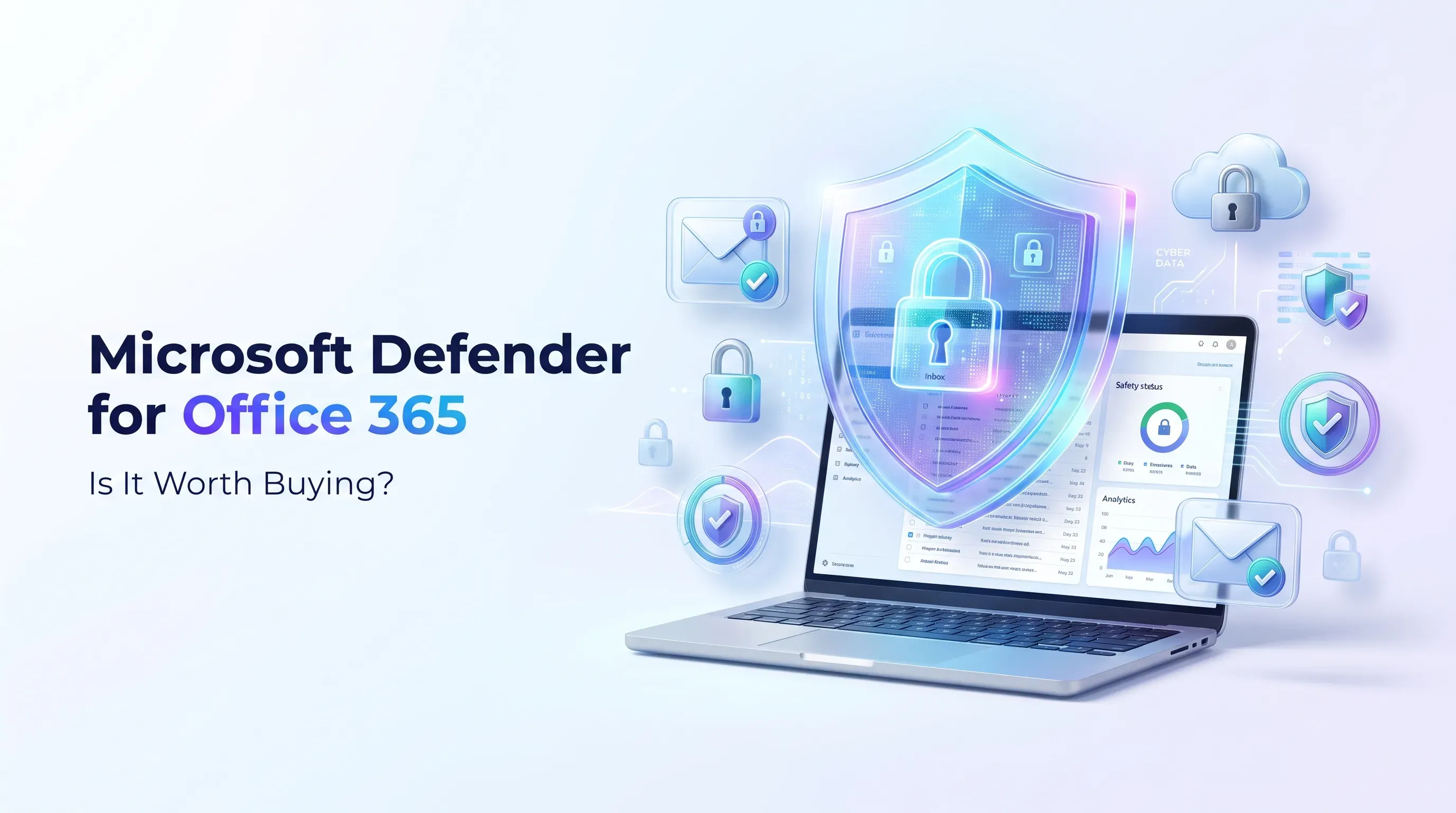
Microsoft Defender for Office 365: Features Benefits and Is It Worth Buying?
Microsoft Defender for Office 365 features pricing email security benefits and Plan 1 vs Plan 2 comparison
Jump to section
Discover how Microsoft Defender for Office 365 protects business emails from phishing malware and cyber threats. Explore its features benefits pricing and Plan 1 vs Plan 2 to find out whether it is worth buying for your business.
Microsoft Defender for Office 365: Is It Worth Buying?
Email has become an essential part of almost every business. Whether you run a small company, manage a startup or work in a large organisation, you probably use email every day to communicate with customers, share documents, send invoices and manage important business activities.
But have you ever thought about how secure your business emails really are?
Cyberattacks are becoming more common, and email is one of the easiest ways for attackers to target businesses. A single phishing email, suspicious attachment or fake login link can put important company information at risk.
This is where Microsoft Defender for Office 365 becomes useful.
Microsoft Defender for Office 365 is a security solution designed to protect business emails and Microsoft 365 collaboration services from phishing, malware, malicious links and other online threats. It provides additional security features to help businesses identify suspicious activities and protect their users.
However, is it really worth the extra investment? What features does it offer? And should your business choose Plan 1 or Plan 2?
Let's explore everything you need to know before making a decision.
What Is Microsoft Defender for Office 365?
Microsoft Defender for Office 365 is a cloud-based security solution that helps protect organisations against email and collaboration-based cyber threats.
It works with Microsoft 365 services such as Outlook, Exchange Online, SharePoint, OneDrive and Microsoft Teams to provide additional protection against suspicious emails, harmful attachments and dangerous website links.
Think about a situation where an employee receives an email that appears to come from a company manager. The message requests an urgent payment and includes a link to a payment portal.
At first glance, everything may look genuine. However, the email could be part of a phishing attack designed to steal company information or money.
Microsoft Defender for Office 365 provides security features that help detect and protect against these types of threats.
Some of its important capabilities include:
- Anti-phishing protection: Helps identify fraudulent emails and impersonation attempts.
- Safe Links: Checks potentially dangerous website links to help prevent users from visiting malicious websites.
- Safe Attachments: Examines suspicious attachments to help protect users from malware.
- Threat investigation: Provides advanced tools to investigate suspicious email activities in Plan 2.
- Security reporting: Helps administrators understand threats and review security activities.
- Attack simulation training: Helps employees learn how to recognise phishing attempts through controlled simulations in Plan 2.
The main goal is to make business email communication safer and reduce the chances of cyberattacks affecting everyday operations.
Why Do Businesses Need Microsoft Email Security?
Many businesses depend on email for important activities. Employees use it to communicate with customers, receive orders, exchange financial documents and share confidential information.
Unfortunately, cybercriminals also use email to target businesses.
Even a small mistake, such as clicking an unknown link or opening a suspicious attachment, can create security problems.
Here are some common email threats businesses should understand.
1. Phishing Emails
Phishing is one of the most common types of email attacks.
Attackers send fake messages that look like they come from trusted companies, banks, managers or service providers. Their goal is to trick employees into sharing passwords, financial information or other sensitive details.
For example, an employee might receive an email that looks like a Microsoft 365 account notification. It asks them to verify their password through a link.
The link may lead to a fake website designed to steal login information.
Microsoft Defender for Office 365 provides anti-phishing capabilities that help businesses identify and protect against these threats.
2. Malware and Suspicious Attachments
Some attackers send emails containing infected files.
These attachments may look like normal invoices, quotations, purchase orders or business documents.
If an employee opens a malicious attachment, it could expose their device or business information to security risks.
Safe Attachments helps examine suspicious files in a protected environment and applies the configured security actions when a threat is detected.
3. Business Email Compromise
Business Email Compromise (BEC) is a serious threat for organisations.
In this type of attack, criminals impersonate company executives, employees or trusted suppliers to convince someone to transfer money or share confidential information.
For example, an employee in the finance department receives an urgent payment request that appears to come from the company director.
The message looks genuine, but the bank account details belong to a criminal.
Defender's anti-phishing and impersonation protection features can help reduce the risk of these attacks.
4. Malicious Website Links
Not every dangerous email contains an infected attachment. Some emails include links to fraudulent websites.
These websites may look like genuine login pages or familiar business platforms.
If employees enter their account details, attackers may gain access to their information.
Safe Links provides an additional layer of protection by checking links and helping prevent access to known malicious destinations.
Key Features of Microsoft Defender for Office 365
One of the main reasons businesses consider Microsoft Defender for Office 365 is its range of email and collaboration security features.
Let's understand how the important features work and why they matter.
1. Safe Links Protection
Safe Links is designed to protect users from malicious website links.
Cybercriminals sometimes send emails containing links that appear safe but redirect users to phishing websites or other harmful destinations.
Safe Links checks URLs and provides protection at the time a user clicks a link. It can also help protect supported links shared through Microsoft 365 applications.
For example, an employee receives an email containing a link to what looks like a shared business document.
The link may actually lead to a fraudulent website designed to collect login information.
Safe Links helps identify dangerous destinations and prevent users from accessing known malicious links.
Why does it matter?
It adds another layer of protection against phishing websites and malicious URLs, reducing the risk of employees accidentally visiting dangerous websites.
2. Safe Attachments Protection
Email attachments are another common way attackers deliver malware.
Safe Attachments helps protect users by analysing suspicious attachments in a protected environment.
When a file is identified as dangerous, the configured security policy determines the appropriate action.
Imagine receiving an unexpected invoice from an unknown email address. The attachment might look like a normal PDF or document, but it could contain malicious content.
Safe Attachments helps examine suspicious files before they create problems for users.
Why does it matter?
It helps reduce the risk of malware entering your business through email attachments and supported Microsoft 365 collaboration services.
3. Advanced Anti-Phishing Protection
Phishing attacks are becoming more convincing. Some attackers use company logos, familiar names and professional-looking messages to make their emails appear genuine.
Microsoft Defender for Office 365 includes anti-phishing policies that help identify suspicious messages.
It also provides impersonation protection to help defend against emails pretending to come from important people or trusted domains.
For example, an attacker might create an email address that looks almost identical to your finance manager's address.
An employee may believe the message is genuine and share confidential information.
Anti-phishing protection helps organisations identify and reduce these risks.
4. Threat Detection and Security Reporting
Understanding what is happening inside your email environment is important for maintaining business security.
Microsoft Defender for Office 365 provides reporting and security visibility that help administrators review suspicious activities and potential threats.
These reports can help IT teams understand email threats, review security detections and identify areas that need attention.
This is especially useful for businesses that want better visibility into their email security.
5. Microsoft Teams SharePoint and OneDrive Protection
Modern businesses do not communicate through email alone.
Employees regularly share files through Microsoft Teams, store documents in SharePoint and use OneDrive for cloud storage.
Microsoft Defender for Office 365 provides relevant security capabilities for supported Microsoft 365 collaboration services.
For example, Safe Attachments can help protect supported file-sharing activities by examining suspicious files.
This makes it useful for organisations that depend on Microsoft 365 for everyday teamwork.
6. Attack Simulation Training
Technology alone cannot prevent every security problem. Employees also need to understand how cyberattacks work.
Microsoft Defender for Office 365 Plan 2 includes attack simulation training.
This feature allows organisations to conduct controlled phishing simulations to understand how employees respond to suspicious messages.
For example, an IT administrator can send a simulated phishing email as part of an internal security awareness exercise.
The results can help identify employees who may need additional training.
Why does it matter?
It helps businesses improve employee awareness and develop safer email habits.
Microsoft Defender for Office 365 Plan 1 vs Plan 2
Choosing the right subscription is one of the most important decisions when purchasing Microsoft Defender for Office 365.
Microsoft offers two main plans: Plan 1 and Plan 2.
Both provide additional email security, but their features and capabilities are different.
Microsoft Defender for Office 365 Plan 1
Plan 1 mainly focuses on preventing and detecting email and collaboration-based threats.
It is designed for businesses that want additional protection against phishing, malicious links and harmful attachments.
Some of its main features include:
- Safe Links protection.
- Safe Attachments protection.
- Anti-phishing policies.
- Impersonation protection.
- Security reporting and threat detection.
- Protection for supported Microsoft 365 collaboration services.
Plan 1 is a practical option for organisations that want stronger email protection without requiring advanced investigation and threat-hunting capabilities.
Who should choose Plan 1?
It may be suitable for:
- Small and medium-sized businesses.
- Startups using Microsoft 365.
- Companies that regularly exchange invoices and business documents.
- Organisations concerned about phishing emails.
- Businesses looking for additional email security.
If your main goal is to protect employees from suspicious emails, malicious links and harmful attachments, Plan 1 is worth considering.
Microsoft Defender for Office 365 Plan 2
Plan 2 includes the main security capabilities of Plan 1 and adds advanced investigation, response and employee training features.
It is designed for organisations that need greater visibility into cyber threats and more advanced security management.
Some of its additional capabilities include:
- Threat Explorer for investigating suspicious email activities.
- Automated Investigation and Response (AIR).
- Advanced threat hunting capabilities.
- Threat Trackers.
- Attack simulation training.
- Additional investigation and response capabilities through Microsoft Defender XDR.
For example, imagine that several employees receive suspicious emails from the same attacker.
With Plan 2, security teams have additional tools to investigate related activities, understand the potential impact and take appropriate action.
Who should choose Plan 2?
Plan 2 may be a better choice for:
- Medium and large organisations.
- Businesses with dedicated IT security teams.
- Companies handling sensitive business information.
- Organisations that need advanced threat investigation.
- Businesses looking for automated security response capabilities.
If your organisation needs more than basic email protection and requires advanced security investigation, Plan 2 may provide better value.
Microsoft Defender for Office 365 Pricing: What Should You Expect?
Pricing is another important consideration when choosing a Microsoft security solution.
Microsoft Defender for Office 365 is available through eligible standalone add-ons and selected Microsoft 365 and Office 365 subscriptions.
The price depends on the plan, country, billing arrangement and existing Microsoft licensing.
Plan 1 Pricing
Plan 1 is generally the more affordable option.
It is designed for businesses that need additional email and collaboration protection without requiring the advanced investigation features of Plan 2.
Plan 2 Pricing
Plan 2 generally costs more because it provides additional investigation, automated response and security training capabilities.
It may be worth the investment for organisations with more advanced security requirements.
Factors That Affect the Final Cost
Before purchasing, consider the following:
- The number of employees who need licences.
- Whether your existing Microsoft 365 subscription already includes Defender features.
- Whether Plan 1 or Plan 2 matches your requirements.
- Monthly or annual billing options.
- Regional pricing and applicable taxes.
- Additional security products your organisation may need.
For businesses in the UAE, Saudi Arabia, Oman, India, Kenya, UK and USA, subscription prices and applicable taxes can vary.
It is always better to check the official Microsoft pricing information or request a regional quotation before making a purchase.
Is Microsoft Defender for Office 365 Included in Microsoft 365?
This is a common question among businesses that already use Microsoft 365.
The answer depends on your current subscription.
Some Microsoft 365 plans include Defender for Office 365 Plan 1, while others provide different levels of built-in email protection.
For example, Microsoft 365 Business Premium includes Defender for Office 365 Plan 1.
Certain enterprise subscriptions also include Defender capabilities depending on their licensing terms.
Therefore, purchasing a separate add-on without checking your existing subscription could result in unnecessary expenses.
Before making a decision, review your current Microsoft 365 licence and identify which security features are already available.
You can find more information in Microsoft's official documentation:
https://learn.microsoft.com/en-us/defender-office-365/mdo-about
Benefits of Microsoft Defender for Office 365
So, what makes Microsoft Defender for Office 365 worth considering?
Here are some important benefits for businesses.
1. Stronger Email Protection
It provides additional protection against phishing, suspicious attachments, malicious links and other email-based threats.
2. Integration With Microsoft 365
It works with supported Microsoft 365 services, helping businesses protect their email and collaboration environment.
3. Better Security Visibility
Administrators can review available reports and threat detections to understand potential security problems.
4. Advanced Threat Investigation
Plan 2 provides additional investigation and response capabilities that can help IT teams manage more complex threats.
5. Improved Employee Awareness
Attack simulation training helps organisations understand how employees respond to phishing attempts and identify training requirements.
6. Flexible Licensing Options
Businesses can explore different licensing options based on their existing Microsoft 365 subscription and security requirements.
Overall, these features make Microsoft Defender for Office 365 a useful option for organisations that want to improve their email security.
Disadvantages of Microsoft Defender for Office 365
Although it offers several useful features, Microsoft Defender for Office 365 is not perfect for every business.
Before purchasing, it is important to understand a few limitations.
1. Additional Licensing Costs
Some businesses may need to purchase additional licences to access the required security features.
This can increase the overall IT budget, especially when several employees need protection.
2. Configuration Requires Attention
Purchasing a security solution does not automatically mean that every feature is configured correctly.
Administrators need to review security policies, protection settings and organisational requirements.
3. Plan 2 May Not Be Necessary for Everyone
Small businesses with straightforward email security needs may not require the advanced investigation features available in Plan 2.
4. Employee Awareness Is Still Important
Employees must understand how to recognise suspicious messages, verify payment requests and report potential security incidents.
5. It Is Not a Complete Cybersecurity Solution
Defender for Office 365 focuses on email and collaboration security.
Businesses may also need endpoint protection, identity security, device management, backup solutions and other cybersecurity measures.
Understanding these limitations will help you decide whether the investment makes sense for your organisation.
Is Microsoft Defender for Office 365 Worth Buying for Small Businesses?
For small businesses, choosing the right security software can be challenging.
Many smaller organisations do not have a dedicated cybersecurity team, but they still handle important customer information, financial documents and business communications.
This makes email security particularly important.
Microsoft Defender for Office 365 can help reduce the risk of phishing attacks, malicious attachments and suspicious website links.
For businesses that mainly need additional email protection, Plan 1 may be a suitable starting point.
However, if your organisation needs advanced threat investigation, automated response and employee phishing simulation training, Plan 2 may be worth considering.
The important thing is not to purchase the most expensive subscription simply because it offers more features.
Instead, identify your business requirements, review your current Microsoft 365 subscription and select the plan that provides the protection you actually need.
How to Choose the Right Defender Plan for Your Business
Still unsure whether to choose Plan 1 or Plan 2?
Here are five practical points to consider before making your decision.
1. Check Your Existing Microsoft 365 Subscription
Start by identifying which Microsoft 365 plan your organisation currently uses.
Some subscriptions already include Defender for Office 365 capabilities.
Checking this first can help you avoid purchasing unnecessary licences.
2. Understand Your Business Size and Requirements
A small company may only need additional protection against phishing emails and malicious attachments.
A larger organisation with several departments and a dedicated IT team may need advanced threat investigation and response capabilities.
3. Identify Your Main Security Risks
Think about the type of information your business handles.
Do employees regularly receive invoices, exchange confidential documents or communicate with external suppliers?
Understanding these activities can help you decide which security features are important.
4. Compare the Subscription Costs
Compare the cost of Plan 1 and Plan 2 with the features they provide.
Consider the number of users, existing licences and the value of the additional security capabilities.
5. Think About Future Business Growth
Your security requirements may change as your business grows.
You may hire more employees, handle additional customer information or introduce new Microsoft 365 services.
Choose a subscription that supports your current needs while allowing room for future security improvements.
Common Mistakes to Avoid When Buying Microsoft Defender for Office 365
Many businesses focus only on the subscription price and forget to review the actual security requirements.
Here are some mistakes worth avoiding.
- Not checking existing licences: You may already have access to certain Defender features through your current Microsoft 365 subscription.
- Choosing the wrong plan: Plan 2 is not necessary for every business.
- Ignoring configuration: Security policies should be properly reviewed and configured.
- Forgetting employee training: Employees should know how to recognise suspicious emails.
- Expecting complete protection: No single email security product can prevent every cyberattack.
A successful security strategy requires the right software, proper configuration and responsible employee behaviour.
How TechnoStore360 Can Help With Microsoft Security Solutions
Choosing the right Microsoft security subscription can be confusing, especially when your business already uses Microsoft 365.
You may have questions about available plans, licensing requirements, included features and additional security costs.
TechnoStore360 helps businesses explore Microsoft software licensing options and understand which products may suit their requirements.
Whether you are a startup looking for additional email protection or an established company reviewing its Microsoft 365 subscriptions, understanding your current licensing environment is an important first step.
Before purchasing additional security licences, review the features included in your existing plan and identify any gaps in your protection.
Explore available Microsoft products and licensing options through TechnoStore360 to find a solution that matches your business requirements.
Final Verdict: Is Microsoft Defender for Office 365 Worth Buying?
Yes, Microsoft Defender for Office 365 is worth considering if your business depends on Microsoft 365 and needs additional protection against email and collaboration-based cyber threats.
Its Safe Links, Safe Attachments and anti-phishing capabilities help organisations reduce exposure to common email attacks.
Plan 1 is a sensible option for businesses looking for additional email protection without requiring advanced investigation tools.
Plan 2 is more suitable for organisations that need advanced threat investigation, automated response, threat hunting and employee training capabilities.
However, the right choice depends on your existing Microsoft 365 subscription, security requirements and budget.
At TechnoStore360, our recommendation is simple: understand what your current subscription already provides before spending money on additional licences.
The best security investment is not necessarily the most expensive plan. It is the one that gives your business the protection it needs without paying for features it will never use.
Frequently Asked Questions
Clear answers to common questions about this guide and implementation.
Microsoft Defender for Office 365 is used to protect business emails and supported Microsoft 365 collaboration services against phishing, malware, malicious links and other cyber threats.
About the author
Nihala Nizar
Blog Creator
blog writer who transforms ideas and experiences into engaging, meaningful stories. Dedicated to creating well-written content that informs, inspires, and connects with readers
Related Articles
More in Cybersecurity
Best POS Software for Small Retail Shops: Features and Pricing
Thursday Nov 19, 2026
Looking for the best POS software for small retail shops? We compare Zoho POS, Odoo Point of Sale, Shopify POS and Square for Retail on features, who each suits and what you will really pay, as of November 2026.

How Much Does Business Software Cost? A Guide to Subscription Pricing
Wednesday Nov 18, 2026
How much does business software cost? Compare 2026 per-user prices for Microsoft 365, Google Workspace, Zoho One and Odoo, plus hidden costs and a simple budget example.
Odoo vs Zoho One: Which Business Software Offers Better Value?
Monday Nov 16, 2026
Compare Odoo vs Zoho One to discover their features, pricing, benefits and differences. Find out which business software is best for managing accounting, sales, inventory and daily operations while supporting your business growth.


