
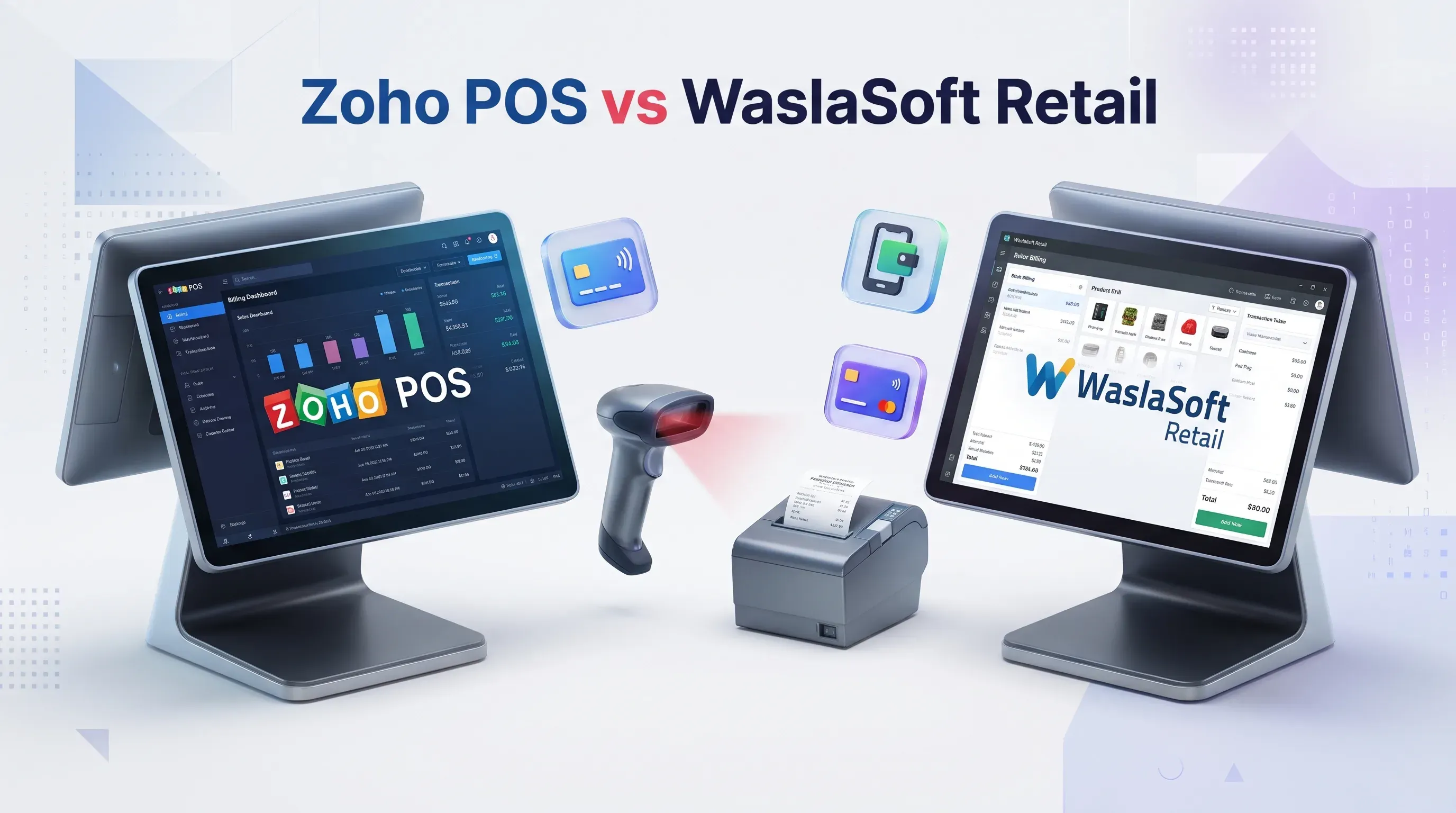
Zoho POS vs WaslaSoft Retail: Features Differences and Pricing
Comparing Zoho POS and WaslaSoft Retail for shops in Saudi Arabia and the wider Gulf: features, offline billing, ZATCA e-invoicing support, pricing as of November 2026, who each suits and a recommendation.
Jump to section
Zoho POS vs WaslaSoft Retail compared on features, offline billing, ZATCA e-invoicing and pricing as of November 2026, with who each suits and who should look elsewhere.
Zoho POS vs WaslaSoft Retail comes down to what you need around the till. Zoho POS is a retail-focused cloud POS with a free plan and published per-location prices, so it suits shops that want a low, predictable start. WaslaSoft Retail is a hybrid ERP and POS built for Gulf businesses, so it suits retailers that need offline billing, multi-branch control and ZATCA Phase 2 e-invoicing in one system. Prices are as of November 2026, and WaslaSoft does not publish them, so you will need a quote.
Key takeaways
- Pricing: Zoho POS publishes a Free plan and three paid plans priced per location. WaslaSoft says its pricing scales with branches and modules, and asks you to request a quote.
- E-invoicing in Saudi Arabia: Zoho's help page describes ZATCA Phase 1 support for Zoho POS. WaslaSoft states that it supports Phase 2 integration. Confirm in writing which phase your business must meet.
- Scope: Zoho POS is a retail POS that connects to Zoho Books. WaslaSoft is an ERP and POS platform that also covers accounting, HR, CRM and several other industries.
- Offline billing: Both vendors say billing keeps working without internet and syncs later. On Zoho POS, offline billing is listed from the Standard plan.
- Best next step: Run a free trial of each with your own products, printer and scanner. Both vendors offer one.
What each product is
Zoho POS
Zoho POS is a cloud point of sale from Zoho, built for retail stores. According to Zoho's Gulf launch announcement, it reached Saudi Arabia at the end of 2025 and then the UAE, Oman, Bahrain, Qatar and Kuwait. It has billing apps for Windows, macOS, Android and iOS, a full Arabic interface with right-to-left support, and Arabic invoice printing. It connects to Zoho Books for accounting, and Zoho lists webhooks, Zoho Flow and Zapier for other tools.
WaslaSoft Retail
WaslaSoft is a cloud-enabled "hybrid" ERP and POS platform. WaslaSoft's website says it serves retail, restaurants, supermarkets, van sales, hotels, salons, laundries, tailoring and travel businesses, with support focused on Saudi Arabia, the UAE and Oman. Its Retail POS page covers barcode billing, multi-branch inventory, promotions, returns and exchanges, and an offline mode.
Zoho POS vs WaslaSoft Retail: Feature Comparison
Billing and hardware
Both products cover the daily basics of scanning items, taking payment and printing receipts. WaslaSoft lists cash, card, credit and split payments, hold and recall for interrupted bills, and keyboard shortcuts for fast cashiers. Zoho lists barcode scanning and printer support in its billing apps, and its launch announcement says the apps work with weighing scales, cash drawers, pole displays and payment terminals. Hardware support is the easiest thing to get wrong, so test your exact devices with either product.
Inventory and promotions
Zoho POS tracks item groups, variants, collections and stock adjustments on every plan. According to Zoho's pricing page, the Standard plan adds serial and batch tracking, barcode generation, price lists and multi-location management. Professional adds offers, composite items and session and cash tracking. Premium adds advanced offers such as Buy X Get Y, price management and loyalty points. Zoho marks some of these as Early Access, so check what is live for your account.
WaslaSoft lists live stock across branches, reorder points and automatic purchase orders, and a promotions engine for happy hours, bundles, quantity breaks and scheduled price changes. It also lists returns with reason tracking and credit notes. The difference to notice is that Zoho ties promotions and loyalty to higher plans, while WaslaSoft presents them as part of its retail module. Ask which of them are included in your quote.
Offline billing
Both vendors support selling without internet. Zoho says its billing apps offer offline billing and data sync, and its pricing page lists this from the Standard plan. WaslaSoft says its POS runs in the cloud and on local devices, lets you bill and print during an outage, and syncs when the connection returns. During your trial, switch off the router and run a few real sales. That test tells you more than any brochure.
Multi-branch control and back office
Zoho POS offers multi-location management from the Standard plan. Registers and users are capped by plan: Free has 1 register and 1 user, Standard has 1 register and 3 users, Professional has 3 registers and 10 users, and Premium has 5 registers and 15 users. Extra users, registers and storage locations are sold as add-ons on paid plans. For accounting you pair it with Zoho Books.
WaslaSoft is closer to an ERP. Its site describes sales, inventory, accounting, HR and CRM in one platform, with a single dashboard for prices, stock transfers and reports across branches. That suits a growing chain, but it also means more to set up.
Integrations
WaslaSoft lists native integrations with Odoo, Zoho, QuickBooks and Tally, plus an open REST API. Zoho POS integrates with Zoho Books, offers a Shopify integration, and provides an API with daily call limits that rise by plan. If you already run Zoho Books or Odoo, ask both vendors exactly what syncs: items, customers, sales, stock or journal entries. For a wider look at those platforms, read our comparison of Odoo vs Zoho One.
E-Invoicing and VAT in the Gulf
For Saudi retailers this section may decide the whole comparison. ZATCA made Phase 1 (generation) enforceable on 4 December 2021. Phase 2 (integration with the Fatoora platform) has applied since 1 January 2023, rolled out in waves, and ZATCA says it notifies each wave at least six months ahead. EY reported in August 2026 that the 25th wave goes live from 1 February 2027.
Zoho's e-invoice help page for Zoho POS says the product complies with Phase 1 and prints a QR code with the seller's name, VAT number, date and time, total and VAT amount. Zoho Books has a separate Saudi e-invoicing page that describes Phase 2 support. We did not find the same Phase 2 statement for Zoho POS, so ask Zoho or a Zoho partner to confirm it in writing for your setup.
WaslaSoft says it supports ZATCA e-invoicing, including QR codes and Phase 2 integration, along with UAE FTA and Oman OTA requirements. That is a vendor claim. Ask for proof that matches your wave and your branch setup. Outside Saudi Arabia, tax rules differ again, so check local requirements for each country before you buy.
Pricing: What You Can Confirm (as of November 2026)
Zoho POS
Zoho POS has a Free plan with 1 register, 1 user and 50 POS transactions. Standard, Professional and Premium are priced per location per month, with a discount for yearly billing. Zoho's Saudi page says plans start at SAR 39 per month. On Zoho's India site, Standard is listed at ₹649 per location per month billed yearly (₹799 billed monthly), Professional at ₹1,299 (₹1,599) and Premium at ₹2,099 (₹2,499). Local taxes are extra. The 15-day free trial includes Premium features, then your account moves to the Free plan. Prices differ by country, so open the Zoho POS pricing page for your own region.
WaslaSoft Retail
We found no public price list for WaslaSoft. Its site offers a 14-day free trial with full features and no credit card, and says pricing depends on the number of branches and modules. When you ask for a quote, request a line-by-line breakdown: price per branch, per module and per terminal, plus setup, data migration, training, support, e-invoicing and renewal terms.
Costs beyond the software fee
Hardware, card processing fees, add-ons, local taxes and setup time all change the real bill. Add up twelve months of every cost for each option before you decide. Our guide to business software subscription costs shows how to read per-user and per-location pricing.
Who Each Option Is Not For
Zoho POS may not suit
- Saudi businesses in a Phase 2 wave that need integration directly from the POS, until Zoho confirms it in writing.
- Businesses that want restaurant, hotel or van sales modules inside the same platform, because Zoho positions Zoho POS mainly as a retail product.
- Busy shops that plan to stay on the Free plan, since it stops at 50 POS transactions.
WaslaSoft Retail may not suit
- Buyers who want public self-serve pricing and a permanent free plan.
- A single-counter shop that only needs fast billing. A full ERP may be more than you need, which is our judgement and not a vendor statement.
- Retailers outside the Gulf markets WaslaSoft highlights, unless local tax features and support are confirmed.
- Teams that rely on independent reviews. We found little third-party review data, so ask for references from retailers like yours.
How to Choose and Our Recommendation
Work through these steps with both products:
- List your products, variants, price lists and number of branches.
- Start both free trials and import about 50 real products.
- Print a real receipt and run a day of billing, including a return and a discount.
- Switch off the internet and bill offline, then check the sync.
- Ask each vendor, in writing, which e-invoicing phase it supports and what it costs for your setup.
Our view is based on published documentation, not hands-on testing of both products. If you run one to a few shops, want a low entry price and published plans, and use or plan to use Zoho Books, start with Zoho POS. If you are a Saudi retailer or supermarket facing Phase 2, run several branches, or need POS and ERP together with Arabic and English support, shortlist WaslaSoft. Because WaslaSoft lists a Zoho integration, the two are not always either-or. For a wider shortlist, see our guide to the best POS software for small retail shops.
Conclusion
The better choice depends on your country, your e-invoicing phase and how much of the business you want in one system. Test both with real products, compare the full yearly cost and get compliance answers in writing. If you would like help comparing options or planning a trial, contact TechnoStore360 and our team will help you choose.
Frequently Asked Questions
Clear answers to common questions about this guide and implementation.
Zoho POS is a retail-focused cloud POS with a free plan and published per-location pricing, and it pairs with Zoho Books for accounting. WaslaSoft Retail is part of a hybrid ERP and POS platform for Gulf businesses, with accounting, HR, CRM and van sales modules, and quote-based pricing. Choose based on your country, your e-invoicing needs and how much of the business you want in one system.
About the author
Nihala Nizar
Blog Creator
blog writer who transforms ideas and experiences into engaging, meaningful stories. Dedicated to creating well-written content that informs, inspires, and connects with readers
Related Articles
More in Software Guides
Best POS Software for Small Retail Shops: Features and Pricing
Thursday Nov 19, 2026
Looking for the best POS software for small retail shops? We compare Zoho POS, Odoo Point of Sale, Shopify POS and Square for Retail on features, who each suits and what you will really pay, as of November 2026.
Odoo vs Zoho One: Which Business Software Offers Better Value?
Monday Nov 16, 2026
Compare Odoo vs Zoho One to discover their features, pricing, benefits and differences. Find out which business software is best for managing accounting, sales, inventory and daily operations while supporting your business growth.
How Much Does Business Software Cost? A Guide to Subscription Pricing
Wednesday Nov 18, 2026
How much does business software cost? Compare 2026 per-user prices for Microsoft 365, Google Workspace, Zoho One and Odoo, plus hidden costs and a simple budget example.


