
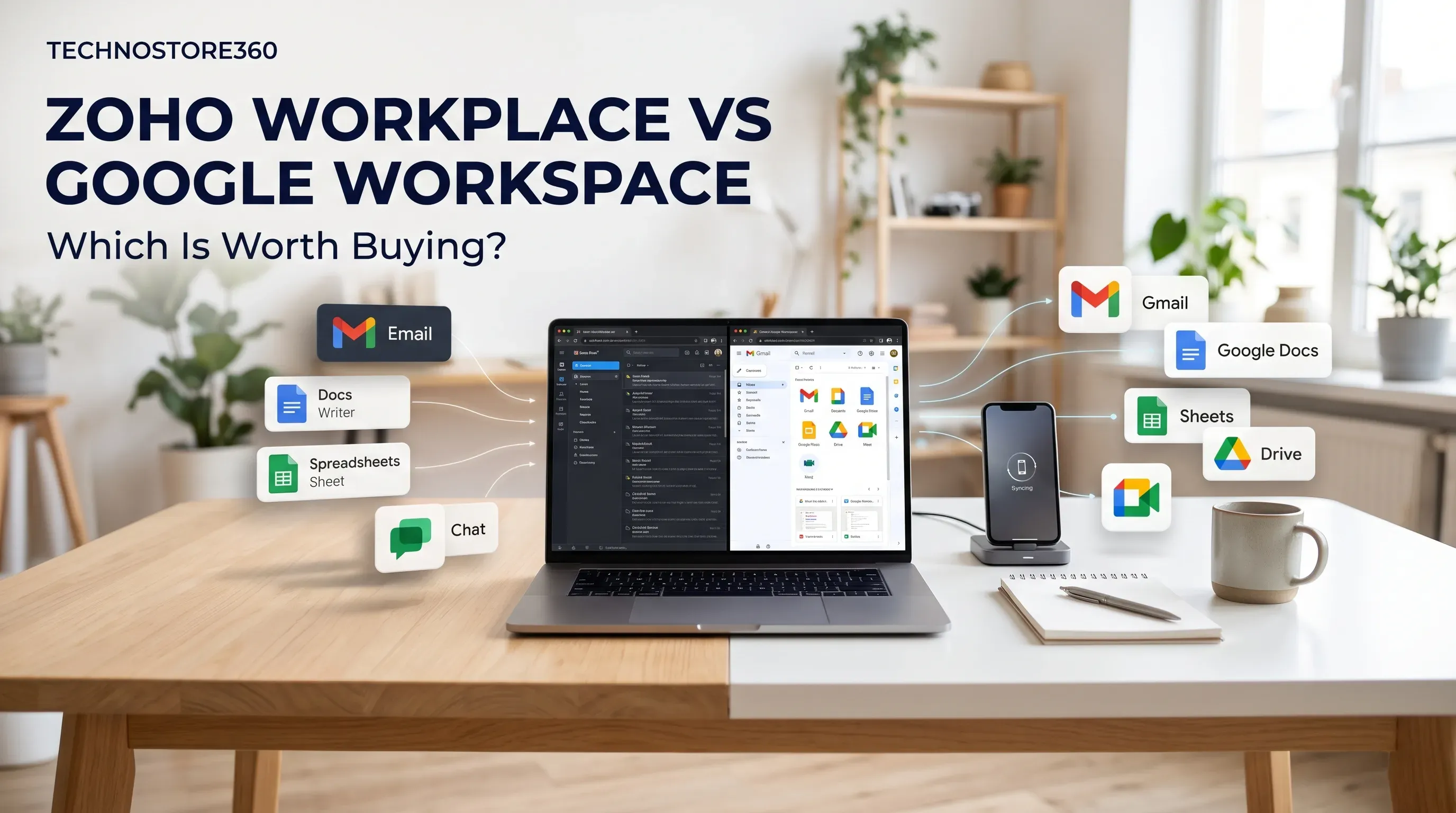
Zoho Workplace vs Google Workspace: Which Is Worth Buying?
Compare Zoho Workplace and Google Workspace features pricing security storage and collaboration tools to find the best business productivity solution.
Jump to section
Not sure whether to choose Zoho Workplace or Google Workspace? Compare business email, document editing, cloud storage, team communication, security and pricing to find the right productivity suite for your business.
Zoho Workplace vs Google Workspace: Which Is Worth Buying?
Choosing between Zoho Workplace and Google Workspace depends on how your business operates, what your employees need and how much you want to spend on productivity software.
Both platforms provide business email, document editing, cloud storage, calendars and communication tools. However, they offer different experiences and integrations.
Zoho Workplace is worth considering if you want a connected business suite that works alongside other Zoho applications. Google Workspace is a strong choice if your team already uses Gmail, Google Drive, Docs, Sheets and Meet.
Neither platform is the right choice for every business. The best option is the one that supports your team's daily work without adding unnecessary costs or complexity.
What Are Zoho Workplace and Google Workspace?
Zoho Workplace is a collection of business productivity applications from Zoho. It brings together email, document editing, file management, team messaging and online meetings.
Google Workspace is Google's business productivity suite. It includes Gmail, Google Drive, Docs, Sheets, Slides, Calendar, Chat and Meet.
Both platforms are designed to help employees communicate, create documents and work together from different locations.
The main difference is the software ecosystem and the way each platform fits into your existing business processes.
1. Business Email: Zoho Mail vs Gmail
Business email is one of the first things companies consider when purchasing a productivity suite. A professional email address using your own domain helps your business communicate with customers, suppliers and employees.
Zoho Mail
Zoho Mail provides business email hosting with features such as custom-domain email addresses, shared calendars, email aliases, administrative controls and spam protection.
One advantage is its connection with other Zoho applications. Employees can manage email, calendars and other workplace activities within the wider Zoho environment.
Zoho also provides email-only subscription options for businesses that do not need the complete Workplace package.
Gmail in Google Workspace
Google Workspace provides Gmail with your business domain. It offers a familiar email interface along with business administration and security features.
Gmail also connects with Google Calendar, Drive, Meet and other Workspace applications. This makes it convenient for employees who already use Google's services.
Which Should You Choose?
Choose Zoho Mail if you want business email connected to the wider Zoho ecosystem or prefer to explore separate email plans.
Choose Gmail if your employees already use Gmail and want their email, calendar and collaboration tools in one familiar environment.
2. Document Editing: Zoho Writer vs Google Docs
Businesses regularly create proposals, reports, presentations, spreadsheets and other documents. The ability to edit and share these files easily can make a difference to everyday productivity.
Zoho Writer, Sheet and Show
Zoho Workplace includes three main office applications:
- Zoho Writer: For creating and editing documents.
- Zoho Sheet: For spreadsheets and business data.
- Zoho Show: For preparing presentations.
These applications connect with the wider Zoho environment, allowing employees to create, share and collaborate on files.
Zoho also supports commonly used Microsoft Office file formats. However, businesses that rely on complex formatting, macros or specialised spreadsheet functions should test their important files before switching.
Google Docs, Sheets and Slides
Google Workspace includes Google Docs, Google Sheets and Google Slides.
These applications allow employees to create and edit files online, share documents and collaborate with colleagues. Multiple users can work on the same document, add comments and review changes.
Google's applications are also familiar to many users, which can make adoption easier for teams already using Google services.
Which Should You Choose?
Google Workspace may suit businesses that frequently collaborate with external customers, suppliers and partners.
Zoho Workplace is worth considering if you want an office suite connected to other Zoho business applications.
Before choosing, test the documents your employees use regularly. This is particularly important if your business depends on complex spreadsheets or specialised document formatting.
3. Cloud Storage: Zoho WorkDrive vs Google Drive
Cloud storage is about more than saving files. Your employees also need to organise folders, share documents and access business information when required.
Zoho WorkDrive
Zoho WorkDrive provides online file storage, sharing and team collaboration.
It helps businesses organise files around teams and shared workspaces. Storage allowances and administration features depend on the selected subscription.
WorkDrive also connects with Zoho Writer, Sheet and Show, making it easier to manage documents created within the Zoho environment.
Google Drive
Google Drive is the cloud storage service included with Google Workspace. Employees can use it to store and share documents, spreadsheets, presentations, images and other files.
Storage allowances vary by subscription edition. Google Workspace also offers shared drives on supported plans, allowing company files to remain associated with the organisation rather than only an individual employee.
Which Should You Choose?
Google Drive may suit businesses that need its storage options and shared-drive features.
Zoho WorkDrive is worth considering if your organisation already uses Zoho applications and prefers its team-based file management.
Compare the storage included in the exact plans you are considering. Check whether the allocation is shared across the organisation and whether it will be sufficient as your team grows.
4. Team Communication and Online Meetings
Employees need more than email to stay connected. Team messaging and video meetings are important for everyday discussions, project updates and remote collaboration.
Zoho Cliq and Zoho Meeting
Zoho Workplace includes:
- Zoho Cliq: For team messaging, channels and group discussions.
- Zoho Meeting: For online meetings and video conferencing.
These applications connect with other Zoho Workplace tools, helping employees move between email, documents, chat and meetings.
Available features and meeting limits depend on the subscription.
Google Chat and Google Meet
Google Workspace includes Google Chat for messaging and Google Meet for online meetings.
Google Meet connects with Google Calendar, making it convenient to schedule meetings and join calls.
Meeting participant limits, recording options and additional controls depend on the selected edition.
Which Should You Choose?
Both platforms cover common business communication needs.
Google Workspace may be the natural choice for teams already using Gmail and Google Calendar.
Zoho Workplace is worth evaluating if you want Cliq and Meeting alongside your other Zoho applications.
Before purchasing, check meeting limits, recording requirements and external guest access.
5. Security and Administration
Business information needs to be protected. When comparing productivity platforms, consider how each one handles user access, account security, file sharing and administrative controls.
Zoho Workplace Security
Zoho Workplace provides security and administration features through its applications and management tools.
Depending on the plan, available features may include multi-factor authentication, identity management, email security, administrative controls and retention options.
Some advanced security and compliance features are available only with particular subscriptions. Check the exact plan before purchasing.
Google Workspace Security
Google Workspace provides administration and security controls through the Google Admin console.
Depending on the edition, features may include multi-factor authentication, user and device management, file-sharing permissions, reporting and audit capabilities.
Additional retention and compliance tools are available on supported plans.
Which Should You Choose?
Neither platform should be considered automatically more secure than the other.
Your choice should depend on your company's security policies, employee access requirements, device management needs and compliance obligations.
Identify the controls your business requires before comparing the subscription editions.
6. Integrations with Other Business Applications
Your productivity software should work well with the other applications your employees use.
Zoho Workplace Integrations
Zoho Workplace is part of the wider Zoho ecosystem. Businesses using applications such as Zoho CRM, Zoho Books or Zoho People may find it useful to keep their productivity tools within the same environment.
For example, a business using Zoho CRM may benefit from connecting its communication and productivity workflows with its customer management activities.
However, check the specific integrations and subscription requirements before purchasing.
Google Workspace Integrations
Google Workspace connects with Google's other services and supports integrations with many third-party business applications.
This can be useful for companies that work with external customers, contractors and partners who already use Google services.
It also offers integration options for businesses that need to connect their existing applications.
Which Should You Choose?
Zoho Workplace is worth considering if your business already uses several Zoho products.
Google Workspace may be more suitable if your employees depend on Google's applications or regularly work with people outside your organisation.
Make a list of the applications your business uses before making a final decision.
7. Zoho Workplace vs Google Workspace Pricing
Pricing is an important part of the buying decision. However, choosing the cheapest subscription does not always mean getting the best value.
Both providers offer different editions with varying storage allowances, security controls and collaboration features.
Zoho Workplace Plans
Zoho Workplace offers productivity bundles such as Standard and Professional, alongside separate email subscription options.
The available features and storage allowances depend on the selected plan.
Some businesses may also benefit from flexible subscription options when different employees need different levels of access.
Google Workspace Plans
Google Workspace offers several business editions, including:
- Business Starter: Core business email and collaboration tools.
- Business Standard: Additional storage and collaboration capabilities.
- Business Plus: Higher storage allowances and additional security and administration features.
Enterprise editions are also available for organisations with more advanced requirements.
How to Compare the Cost
Instead of comparing only the advertised starting price, calculate the subscription cost for your entire team.
Consider the number of employees who need licences, storage requirements, billing frequency, meeting features, security controls and any additional applications.
Also check the current price in your country and the applicable taxes before purchasing.
The best-value plan is the one that gives your employees the features they actually need without paying for unnecessary extras.
8. Which Platform Is Easier to Use?
Ease of use matters because employees need to work comfortably with the software every day.
Google Workspace may be easier for teams that already use Gmail, Google Drive and Google Docs. Its familiar interface can reduce the amount of introductory training some employees need.
Zoho Workplace offers its own connected set of applications. Businesses already using Zoho products may find the environment familiar, while teams moving from another platform should allow time for training.
A practical approach is to test both platforms with a small group of employees.
Ask them to send emails, create documents, share files, update spreadsheets and schedule meetings. Their feedback can help you identify which platform fits your daily workflows.
9. When Should You Choose Zoho Workplace?
Zoho Workplace may be a suitable option if:
- Your business already uses Zoho applications.
- You want email, documents, storage and communication in one suite.
- You prefer Zoho's office applications and WorkDrive.
- You want to compare flexible subscription options.
- You want your productivity tools to fit into the wider Zoho environment.
It is worth considering for small and growing businesses that want their everyday workplace applications connected.
10. When Should You Choose Google Workspace?
Google Workspace may be a suitable option if:
- Your employees already use Gmail and Google Drive.
- Your team regularly collaborates with external organisations.
- Your business depends on Google Docs, Sheets and Slides.
- You use Google Meet and Calendar regularly.
- Your selected plan provides the storage and management features you need.
For businesses already working extensively with Google's applications, staying within the same environment may avoid unnecessary disruption.
Final Verdict: Zoho Workplace or Google Workspace?
So, which productivity suite is worth buying?
Choose Zoho Workplace if your priority is a connected productivity suite that fits naturally into the Zoho ecosystem. Choose Google Workspace if your team prefers Google's familiar applications and relies on its collaboration environment.
The decision should not be based only on brand popularity or the lowest advertised price.
Consider your employees' daily tasks, storage requirements, security needs, integrations and overall subscription budget.
If you are still unsure, test both platforms with a small group before committing to a full deployment. This gives your team an opportunity to evaluate the applications and identify which one suits its working style.
Ready to explore Zoho Workplace for your business? Visit the Zoho Workplace product page on TechnoStore360 to review the available subscription options. You can also contact the TechnoStore360 team to discuss your user count, plan requirements and licensing needs.
Frequently Asked Questions
Clear answers to common questions about this guide and implementation.
Zoho Workplace may be a better fit for businesses already using Zoho applications. Google Workspace may suit teams that depend on Gmail, Drive, Docs and Meet. The right choice depends on your business requirements.
About the author
Nihala Nizar
Blog Creator
blog writer who transforms ideas and experiences into engaging, meaningful stories. Dedicated to creating well-written content that informs, inspires, and connects with readers
Related Articles
More in Software & Technology
ZKTeco Biometric Devices Compared: Which Model Fits Your Business Needs?
Friday Nov 13, 2026
Explore the best ZKTeco biometric devices for businesses in 2026. Compare fingerprint and facial recognition, attendance tracking, access control and key features to find the right model for your workplace.
Best CRM Software for Freelancers and Small Businesses
Thursday Nov 12, 2026
Looking for the best CRM software for freelancers and small businesses? Compare Zoho CRM, HubSpot, Bigin, Freshsales and Odoo to explore their features and find the right solution for managing customers, tracking leads and growing your business.
Microsoft 365 Plans Explained: Which Plan Should You Buy?
Wednesday Nov 11, 2026
Not sure which Microsoft 365 plan your business needs? Compare Business Basic, Standard and Premium, including features, security, cloud storage and pricing, to find the right subscription for your team.


