

Microsoft 365 Business Premium: Features, Security and Business Benefits
Microsoft 365 Business Premium: included features, built-in security, limits, price and who it suits
Jump to section
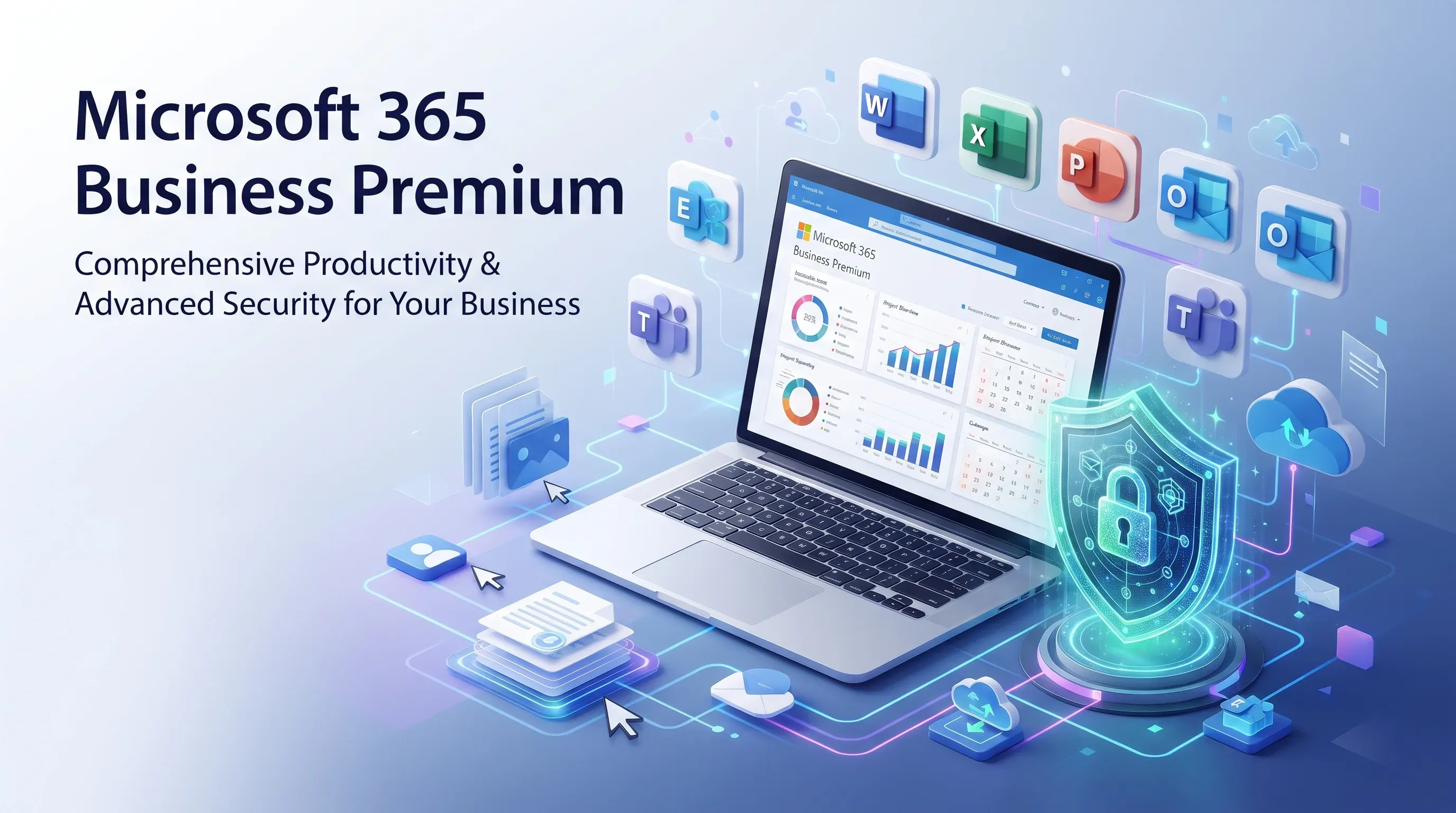
Microsoft 365 Business Premium combines Office apps, Teams and email with built-in security: Defender, Intune and Entra ID. See what it includes, what it lacks, the price as of November 2026 and who should buy it.
Microsoft 365 Business Premium is Microsoft's top subscription for small and mid-size businesses with up to 300 users. It combines the Microsoft 365 apps you already know (Word, Excel, Outlook, Teams, OneDrive) with built-in security and device management: Microsoft Defender for Business, Defender for Office 365 Plan 1, Microsoft Intune Plan 1, Microsoft Entra ID P1 and core Microsoft Purview data protection. In short, it is productivity software and a security stack under one per-user licence.
Key takeaways
- Business Premium includes everything in Business Standard, plus security and device management tools.
- It is built for organisations of up to 300 users. The 300-seat limit applies across all Business plans combined, not per plan.
- It suits teams with remote or hybrid staff, personal phones used for work, or sensitive customer data.
- It is not a complete security programme. Advanced tools need paid add-ons, and it does not include third-party backup.
- Microsoft lists it at USD 22 per user per month on annual billing as of November 2026. Prices vary by country, so check the official page.
What Is Microsoft 365 Business Premium?
Microsoft sells three core plans for smaller organisations: Business Basic, Business Standard and Business Premium. Premium sits at the top. Microsoft's own FAQ describes it as everything in Business Standard plus advanced security products, managed from one place with one bill and 24x7 support. You can read Microsoft's description in its Business Premium FAQ.
The practical difference is simple. Business Standard gives your staff the tools to work. Business Premium adds the tools to protect the accounts, devices, email and files they work with. If you are still deciding between tiers, our guide to Basic vs Standard vs Premium compares all three.
Microsoft 365 Business Premium Features at a Glance
| Area | What is included | What it does for you |
|---|---|---|
| Productivity apps | Word, Excel, PowerPoint, Outlook and OneNote on desktop, web and mobile (Access on PC only) | Full desktop apps, as in Business Standard |
| Collaboration | Teams, Exchange email on your own domain, OneDrive, SharePoint, Bookings | Chat, meetings, shared files and appointment booking |
| Endpoint security | Microsoft Defender for Business | Antivirus, threat detection and automated response on devices |
| Email and Teams security | Defender for Office 365 Plan 1 | Safe Links, Safe Attachments and impersonation protection |
| Identity | Microsoft Entra ID P1 | Multifactor authentication and Conditional Access |
| Device management | Microsoft Intune Plan 1 | Manage Windows, Mac, iOS and Android devices and apps |
| Data protection | Core Microsoft Purview | Sensitivity labels and data loss prevention for core services |
| AI | Microsoft 365 Copilot Chat | Limited AI chat with enterprise data protection |
Full Microsoft 365 Copilot is a separate purchase. Microsoft also sells bundled plans that add it to Business Premium.
How Business Premium Security Works
Security in Business Premium is a set of layers rather than one tool. Each layer covers a different way attackers get in.
Devices: Microsoft Defender for Business
Defender for Business is an endpoint security product built on Microsoft Defender for Endpoint and designed for businesses of up to 300 users. According to Microsoft's overview, it includes next-generation protection, attack surface reduction, endpoint detection and response, automated investigation and remediation, automatic attack disruption and core vulnerability management. It covers Windows, Mac, iOS and Android. It offers wizard-driven setup with default policies, so a small IT team does not need specialist skills to start.
Servers are different. Protecting Windows and Linux servers requires extra licences.
Email and Teams: Defender for Office 365 Plan 1
Email remains a major route for phishing and malware. Plan 1 adds Safe Links, Safe Attachments (including files in SharePoint, OneDrive and Teams) and impersonation protection on top of the built-in filtering every Microsoft 365 mailbox gets. Microsoft's protection ladder explanation shows exactly what each level adds. For a deeper look, read our guide to Microsoft Defender for Office 365.
Identity: Entra ID P1 and Conditional Access
Every Microsoft 365 business subscription includes Entra ID Free with security defaults. Business Premium adds Entra ID P1, which brings Conditional Access. This lets you set rules such as requiring multifactor authentication for risky sign-ins, blocking access from unmanaged devices or restricting sign-ins by location. Because passwords can be guessed, reused or stolen, this layer adds protection that does not depend on a password alone.
Devices and apps: Microsoft Intune Plan 1
Microsoft confirms that Business Premium licenses full Intune capabilities for iOS, Android, Mac and cross-platform management. You can enforce encryption, push updates and set up new Windows PCs with Windows Autopilot. You can also protect company data inside apps on personal phones and remove that data if a device is lost, which makes bring-your-own-device policies realistic.
Data protection: Microsoft Purview
Business Premium includes core Purview capabilities. Per Microsoft's licensing guidance, these are manual, default and mandatory sensitivity labels in Microsoft 365 apps, and data loss prevention for Exchange Online, SharePoint Online and OneDrive. Microsoft's setup guide also covers Message Encryption and Compliance Manager. Advanced capabilities, such as insider risk detection, come through the Purview Suite add-on.
What Business Premium Does Not Include
Knowing the limits prevents expensive surprises.
- Advanced threat tools. Defender XDR, Defender for Endpoint Plan 2, Defender for Office 365 Plan 2 and Entra ID P2 come with the separate Defender Suite for Business Premium. Attack simulation training is a Plan 2 feature.
- Mixed endpoint licensing. Microsoft states that Defender for Business does not support mixed licensing. If only some users have the Defender Suite, the tenant defaults to the Defender for Business experience until all users are licensed.
- Third-party backup. Business Premium does not include a dedicated backup product for your Microsoft 365 data, so plan that separately. See our cloud backup software guide.
- More than 300 users. Larger organisations need Microsoft 365 enterprise plans.
- Genuine Windows. Microsoft states Business Premium does not make a non-genuine Windows installation genuine.
Business Benefits of Microsoft 365 Business Premium
One vendor and one bill. Many companies pay separately for antivirus, device management and email filtering. Business Premium may replace some of these, but confirm what your current tools do before cancelling anything.
Safer remote and hybrid work. Conditional Access and Intune let staff work from home or a phone while you keep control of how company data is accessed.
A practical route to Zero Trust. Microsoft positions Business Premium around its Zero Trust model, which means verifying every sign-in and device instead of trusting the office network.
Support for compliance work. Labels, DLP and audit tools help you build the controls auditors and customers ask about. They do not make you compliant on their own, so involve your compliance adviser.
Faster device setup. Autopilot and Intune let you prepare laptops before handing them to staff.
Microsoft 365 Business Premium Price (As of November 2026)
Microsoft's pricing pages list Business Premium at USD 22 per user per month with annual billing, excluding tax. Microsoft lists the Defender and Purview Suites bundle for Business Premium at USD 15 per user per month on its US page. Prices change, differ by country and currency, and may differ through a partner. Always confirm on the official Business Premium page and the security add-on pricing page before budgeting. For regional billing options, see our guide to CSP vs direct Microsoft billing.
One licensing rule matters. Microsoft says the security and management benefits apply to users with devices managed under a Business Premium subscription. Licensing only some staff leaves gaps, so plan for everyone who touches sensitive data.
Who Should Buy It, and Who Should Not
Business Premium is a strong fit if you:
- have remote, hybrid or travelling staff;
- allow work email on personal phones;
- handle customer, financial, health or legal data;
- have no dedicated security team and want sensible defaults;
- already pay for separate endpoint or device management tools.
It is probably not for you if you:
- have more than 300 users, because you need an enterprise plan;
- have frontline staff who only need email and chat, where Business Basic or a frontline plan costs less;
- already run a mature, well-managed security stack you are happy with;
- have nobody who can configure it. A licence is not protection until policies are switched on.
You can mix plans in one tenant, but the 300-seat cap and the licensing rule above still apply, so check the design with a licensing specialist.
Getting Value in the First 30 Days
- Turn on multifactor authentication for every user, starting with administrators.
- Create baseline Conditional Access policies in the Microsoft Entra admin center.
- Enrol company laptops and phones in Intune and apply encryption and update policies.
- Onboard devices to Defender for Business and review the default policies.
- Apply the Standard preset security policy for Defender for Office 365, and set up SPF, DKIM and DMARC for your domain.
- Create a few sensitivity labels and a basic DLP policy for the data you care about most.
Microsoft's Business Premium setup guide walks through each step.
Our Recommendation
For most businesses of up to 300 users that handle sensitive data or support remote work, Business Premium is the most sensible Microsoft 365 plan. The price gap over Business Standard buys identity, device and email protection that you would otherwise have to assemble from separate vendors. If you have a handful of staff, no sensitive data and everyone works in one office, Business Standard may be enough.
Conclusion
Microsoft 365 Business Premium gives smaller organisations enterprise-style protection without an enterprise IT department, but only if it is configured properly and matched to the right users. If you want help choosing between plans, licensing the right number of users or planning a secure rollout, contact TechnoStore360 and talk to an expert about your setup.
Frequently Asked Questions
Clear answers to common questions about this guide and implementation.
It includes everything in Business Standard, such as desktop Office apps, Teams, Exchange email, OneDrive and SharePoint. It adds Microsoft Defender for Business, Defender for Office 365 Plan 1, Intune Plan 1, Entra ID P1 and core Microsoft Purview data protection. It is designed for organisations of up to 300 users.
About the author
Nihala Nizar
Blog Creator
blog writer who transforms ideas and experiences into engaging, meaningful stories. Dedicated to creating well-written content that informs, inspires, and connects with readers
Related Articles
More in Microsoft 365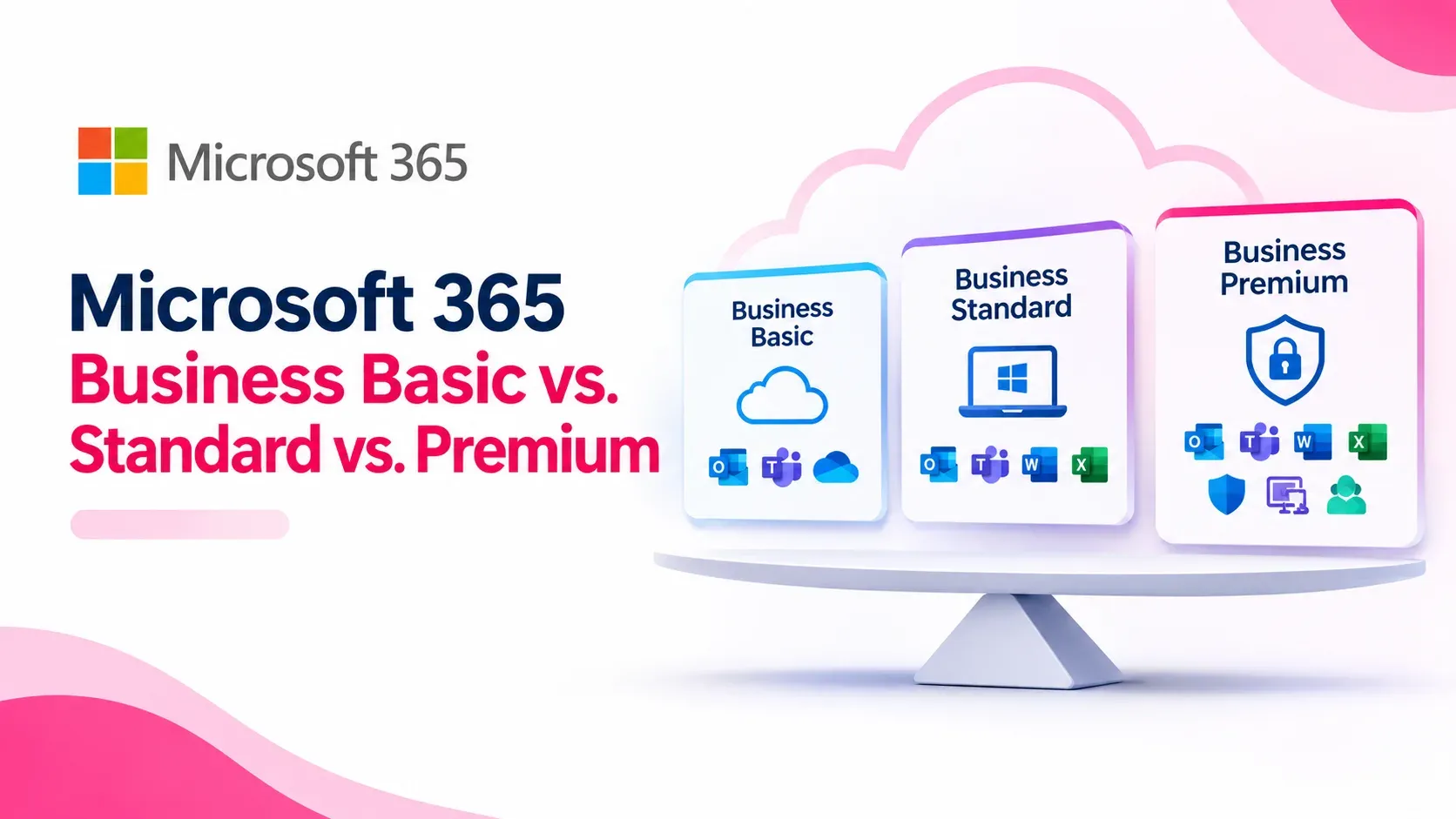
Microsoft 365 Business Basic vs. Standard vs. Premium: Which Tier Does Your Business Actually Need?
Thursday Nov 5, 2026
Compare Microsoft 365 Business Basic, Standard, and Premium to find the right fit for your organization. Discover the key differences in desktop apps, advanced security, Intune device management, and how a hybrid tier strategy can slash your annual licensing costs.
Microsoft Defender for Office 365: Features Benefits and Is It Worth Buying?
Tuesday Nov 17, 2026
Discover how Microsoft Defender for Office 365 protects business emails from phishing malware and cyber threats. Explore its features benefits pricing and Plan 1 vs Plan 2 to find out whether it is worth buying for your business.
Microsoft 365 Plans Explained: Which Plan Should You Buy?
Wednesday Nov 11, 2026
Not sure which Microsoft 365 plan your business needs? Compare Business Basic, Standard and Premium, including features, security, cloud storage and pricing, to find the right subscription for your team.


