

Zoho One vs Individual Zoho Apps: Which Is Better for Growing Businesses?
Zoho One bundle compared with buying individual Zoho apps: All Employee vs Flexible User pricing, 41% break-even, app limits, hidden costs and who each option suits
Jump to section
Zoho One vs individual Zoho apps: compare All Employee and Flexible User pricing, app limits and hidden costs, see who each option is not for, and get a clear recommendation.
Choosing between Zoho One vs individual Zoho apps comes down to two questions: how many Zoho products will you really use, and how many people need them? Zoho One usually wins when you need three or more connected apps, or when you can license every employee. Individual apps usually win when you need one or two products, or only a few people need access. This guide explains the pricing rules, the trade-offs and a simple way to decide.
Key takeaways
- Zoho One is a bundle of 50+ business apps sold under one licence, one admin console and one invoice, according to Zoho's pricing page.
- It has two licensing models: All Employee (you license everyone on payroll) and Flexible User (you license only chosen people, at a higher per-user rate).
- Individual apps let you start small and pick an edition per app, but each one has its own plan, limits, billing and renewal.
- As a rule of thumb, Zoho One tends to win at three or more apps, or when most staff need a login. Individual apps tend to win for one or two products.
- Always run the numbers for your own headcount, and confirm current prices on Zoho's official pages.
What Zoho One and Individual Zoho Apps Actually Mean
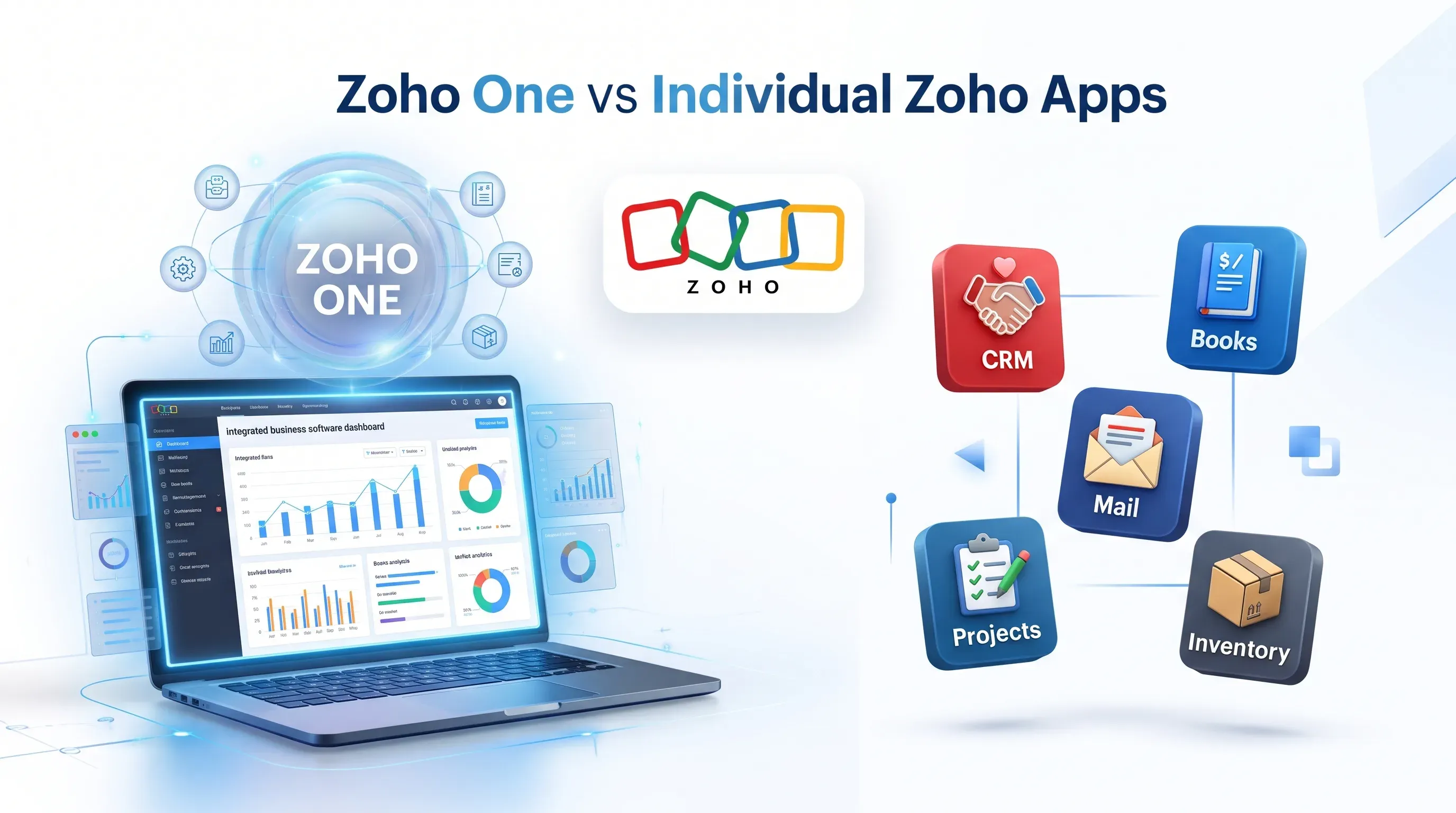
According to the Zoho One pricing page, Zoho One covers 50+ unified apps for sales, marketing, support, finance, HR, productivity and more, with centralised admin control and one invoice. Zoho's plan details page lists apps such as Zoho CRM, Books, Desk, Projects, People, Campaigns, Creator, Analytics and Flow in the Standard plan.
"Individual apps" means buying each product on its own, such as Zoho CRM, Zoho Books or Zoho Desk. Each has its own editions and renewal date. Some are priced per user, while others, such as Zoho Books, are priced per organisation.
Zoho One also has a smaller Essentials plan. Zoho describes it as 15+ apps for getting started, including Bigin (its lighter CRM), Campaigns, Mail, Projects, Desk and People, and the exact list varies by region. Zoho says moving between Essentials and Standard means changing all users in your organisation together.
Zoho One vs Individual Zoho Apps: Pricing Compared
Zoho One licensing: All Employee vs Flexible User
As of November 2026, Zoho's small-teams page lists the Standard plan at US$37 per employee per month billed annually (US$45 billed monthly) on All Employee pricing. Flexible User pricing is US$90 per user per month billed annually (US$105 billed monthly).
Two rules matter. First, Zoho's pricing FAQ says All Employee pricing requires a licence for every employee, and that Zoho may ask you to buy the missing licences or switch to Flexible if staff are unlicensed. Second, Zoho's regional pricing page marks the All Employee rate as a first-year price, and the FAQ mentions separate second-year billing, so confirm your renewal rate before budgeting.
The break-even point is simple. US$37 divided by US$90 is about 41%. If more than roughly 41% of your staff need logins, All Employee costs less. Below that, Flexible does.
Worked example (list prices, annual billing, before tax): a company has 25 employees. All Employee costs 25 x US$37 x 12 = US$11,100 a year. Flexible costs US$10,800 for 10 users and US$11,880 for 11 users. At 11 users, All Employee is already cheaper.
Individual app pricing
Individual apps follow different structures. As of November 2026, Zoho CRM's published US prices run from about US$14 per user per month (Standard) to about US$52 (Ultimate) on annual billing, according to the Zoho CRM pricing page. Zoho Books is priced per organisation rather than per user, from a free plan up to about US$240 a month on annual billing, with a set number of users included in each plan, according to the Zoho Books pricing page. Prices vary by country and exclude local taxes.
Bundles are not unlimited. Zoho's plan details page shows that several limits, such as CRM API credits and file storage, grow with the number of employee licences, and that CRM Ultimate is an add-on. Compare the limits you need, not only the sticker price.
When Zoho One Is the Better Choice
Zoho One tends to make sense when:
- You will use three or more apps. One licence covers CRM, accounting, support, HR and projects, so you avoid separate subscriptions.
- Most employees need a login. All Employee pricing is built for this. Our guide to business software subscription costs explains how per-user pricing adds up.
- You want central control. Zoho lists single sign-on, centralised user management and mobile device management in the plan.
- You expect to add apps as you grow. Zoho says you can add or remove licences online, and it advertises no long-term contracts.
- You already use several Zoho apps. Zoho says you can start a Zoho One trial, add the apps you currently use, then upgrade to get prorated pricing and a single billing date.
When Individual Zoho Apps Are the Better Choice
Individual apps tend to make sense when:
- You need one or two products. A small team that only needs accounting, for example, may pay far less for Zoho Books alone than for Zoho One licences.
- Only a few people need access. At US$90 per Flexible user, a bundle is hard to justify for a small group.
- You want a different edition per app. You might need a higher CRM edition but a basic accounting plan.
- You are still testing Zoho. Starting with one app limits commitment. Our Zoho Books comparison and CRM guide show how to evaluate single products.
Who Each Option Is NOT For
Zoho One is not ideal for:
- Businesses that need only one or two apps for a handful of users.
- Companies that cannot or will not license every employee but want the All Employee rate. Zoho points franchises and single divisions to Flexible pricing.
- Teams that need heavy manufacturing and warehouse operations in one ERP. Compare options in our Odoo vs Zoho One guide.
- Organisations with nobody to own setup. With 50+ apps, configuration needs a plan.
Individual apps are not ideal for:
- Growing teams that will keep adding products, because bills, renewals and admin multiply.
- Companies that want one admin console and single sign-on across all tools.
- Businesses where most staff need access to several apps, where bundle pricing may be lower.
Pros and Cons at a Glance
Zoho One
Pros: one licence and invoice, a very wide app range, central admin, and a low per-employee price if everyone is covered.
Cons: the all-employee commitment, a high Flexible rate, limits tied to licence counts, and more apps to learn. Zoho's FAQ also says Marketplace extensions cannot yet appear on the single invoice, and you must pay in the currency of the country where you create the account.
Individual apps
Pros: you pay only for what you use, choose editions app by app, and can start small.
Cons: separate bills and admin for each app, costs that grow as you add products, and a possible switch to a bundle later. Zoho says its apps integrate with each other out of the box, which reduces the integration burden.
Hidden Costs to Check Before You Buy
Whichever route you choose, budget for more than licences. As of November 2026, check these on the official pages:
- Support plans. Zoho's FAQ says Enterprise and Premium support are available as add-ons.
- Add-ons and extensions. Storage, events and some premium features can be extra.
- Setup help. Zoho offers Jumpstart and Concierge services and a partner network, and Zoho's FAQ says the price is the same whether you buy directly or through a local partner.
- Taxes. Zoho's FAQ notes that Zoho One prices do not include VAT.
- Data migration and training. These are usually the largest hidden cost of any switch.
For a wider view of Zoho's other tools, see our guide to Zoho Creator vs traditional software.
How to Decide in Four Steps
- List the apps you need in the next 12 months. Include accounting, CRM, support, HR and projects.
- Count who needs a login. Divide by total headcount and compare with the 41% break-even.
- Price both routes from official pages. Add up the individual apps you would buy, then price Zoho One on both licensing models.
- Pilot before committing. Use Zoho's free trials with one real process and real users.
Our Recommendation
For most small and mid-size companies with around ten or more employees that expect to use three or more Zoho apps, price Zoho One All Employee first. It often delivers the lowest cost per app and the simplest administration. If only part of your team needs Zoho, compare Flexible pricing against individual apps using the 41% rule.
If you need one or two products, buy them individually and revisit the decision when you add a third. Zoho's upgrade path lets you move to Zoho One later without starting from scratch.
Official Sources to Check
- Zoho One pricing: https://www.zoho.com/one/pricing/
- Zoho One pricing FAQ: https://www.zoho.com/one/pricing/faq.html
- Zoho One plan details: https://www.zoho.com/one/plan-details.html
- Zoho CRM pricing: https://www.zoho.com/crm/pricing.html
- Zoho Books pricing: https://www.zoho.com/books/pricing/
Conclusion
Zoho One suits businesses that want many connected apps and can license most or all of their staff. Individual Zoho apps suit teams with a narrow need or a small group of users. The right answer depends on your headcount, your app list and your growth plans. If you would like help comparing both routes for your business, contact TechnoStore360 and our team will help you plan a practical next step.
Frequently Asked Questions
Clear answers to common questions about this guide and implementation.
It depends on how many apps you use and how many people need them. As of November 2026, Zoho lists All Employee pricing at US$37 per employee per month on annual billing, which is often cheaper than several separate per-user subscriptions when most staff need logins. For one or two apps, buying individually is usually cheaper, so compare both on Zoho's official pricing pages.
About the author
Nihala Nizar
Blog Creator
blog writer who transforms ideas and experiences into engaging, meaningful stories. Dedicated to creating well-written content that informs, inspires, and connects with readers
Related Articles
More in Software & Technology
Odoo vs Zoho One: Which Business Software Offers Better Value?
Monday Nov 16, 2026
Compare Odoo vs Zoho One to discover their features, pricing, benefits and differences. Find out which business software is best for managing accounting, sales, inventory and daily operations while supporting your business growth.
How Much Does Business Software Cost? A Guide to Subscription Pricing
Wednesday Nov 18, 2026
How much does business software cost? Compare 2026 per-user prices for Microsoft 365, Google Workspace, Zoho One and Odoo, plus hidden costs and a simple budget example.
Zoho Books vs Other Accounting Software: Which Should You Choose?
Sunday Nov 15, 2026
Compare Zoho Books with TallyPrime, BUSY, Vyapar and Odoo to find the right accounting software for your business. Explore features, pricing, invoicing, GST management and financial reporting to make an informed choice.


